Zum Inhalt springen

Warenkorb

Dein Warenkorb ist leer

Artikel: How to check if the SSD is detected in the BIOS?

How to check if the SSD is detected in the BIOS?

Step1: Press the power button and immediately press F7 repeatedly to enter the boot menu, then select “Enter Setup” to access the BIOS.
(Or press the Delete key repeatedly immediately after pressing the power button to enter the BIOS settings)

Step 2: Go to Advanced → NVMe Configuration,where you can view details such as the SSD capacity.If the information is displayed, it means the device has successfully detected the SSD.

Hinterlasse einen Kommentar

Diese Website ist durch hCaptcha geschützt und es gelten die allgemeinen Geschäftsbedingungen und Datenschutzbestimmungen von hCaptcha.

Alle Kommentare werden vor der Veröffentlichung geprüft.

Read more

How to check if the eMMC is detected in the BIOS?

How to check if the eMMC is detected in the BIOS?

Step1: Press the power button and immediately press F7 repeatedly to enter the boot menu, then select “Enter Setup” to access the BIOS.(Or press the Delete key repeatedly immediately after pressing...

Weiterlesen
How to check the type of RAM?

How to check the type of RAM?

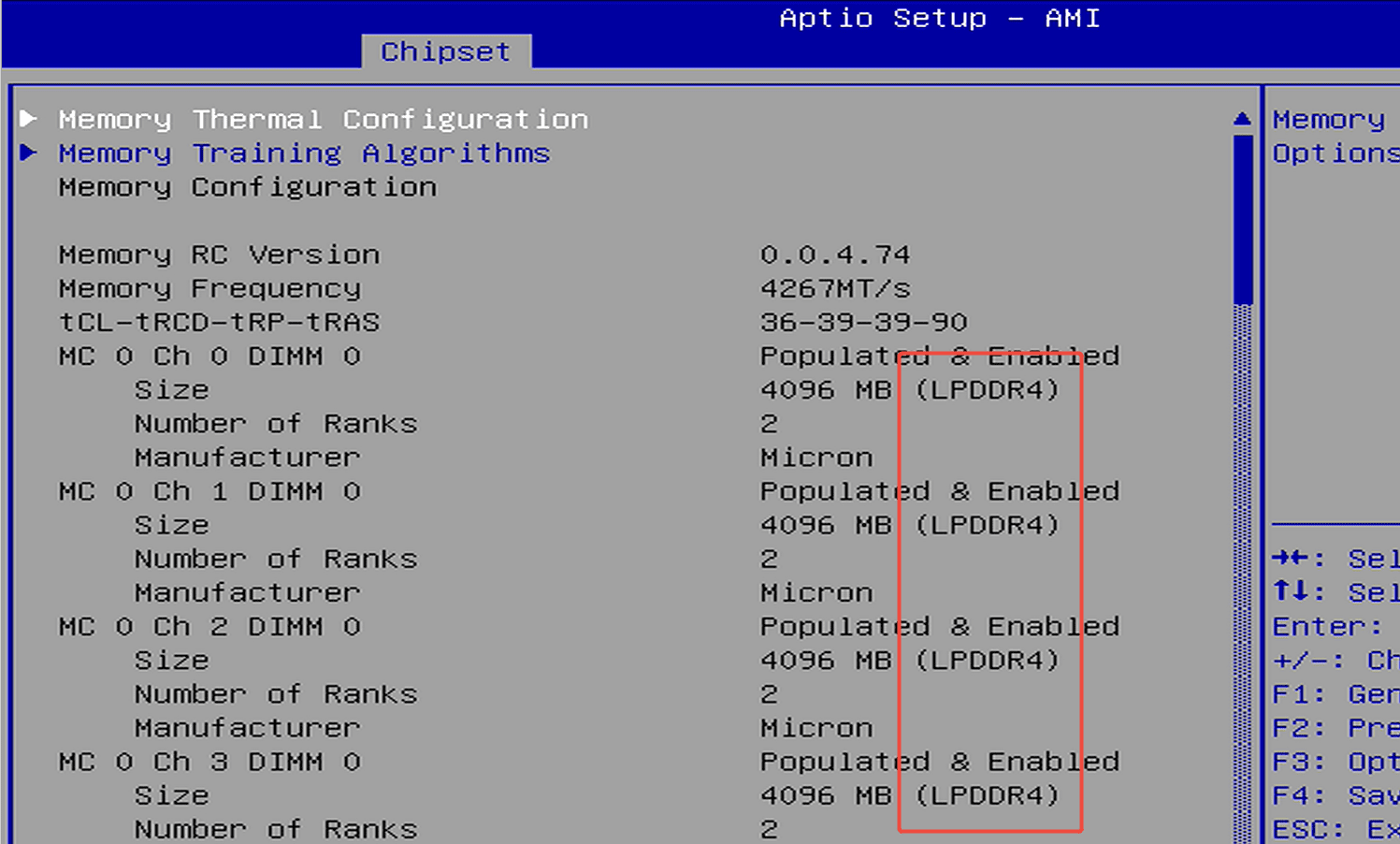
Step1: Press the power button and immediately press F7 repeatedly to enter the boot menu, then select “Enter Setup” to access the BIOS.(Or press the Delete key repeatedly immediately after pressing...

Weiterlesen