
How to set Auto power on?
Step 1: Press the power button and continuously press F7 to enter the boot menu, then select “Enter Setup” to access the BIOS.
(Or press the Delete key repeatedly immediately after pressing the power button to enter the BIOS settings)
Step 2: The setup method varies slightly depending on the platform. Please follow the instructions according to your platform:
(1) Jasper Lake platform (N5105, N5095, N5100, N4500, e.g., Quieter3, PCG02 Pro, Overclock3, etc.)
Alder Lake-N platform (N95, N100, N97, N50, N200, e.g., Quieter4, PCG02 Pro, Overclock4, etc.)
Twin Lake platform(N150,e.g.,Quieter 4,Overclock 4, etc.):
Go to Advanced → Customer Exclusive Functions → Auto Power On → Select Enabled


(2) Gemini Lake platform (J4125, J4105, N4020, N4000, e.g., Quieter2, PCG02, etc.):
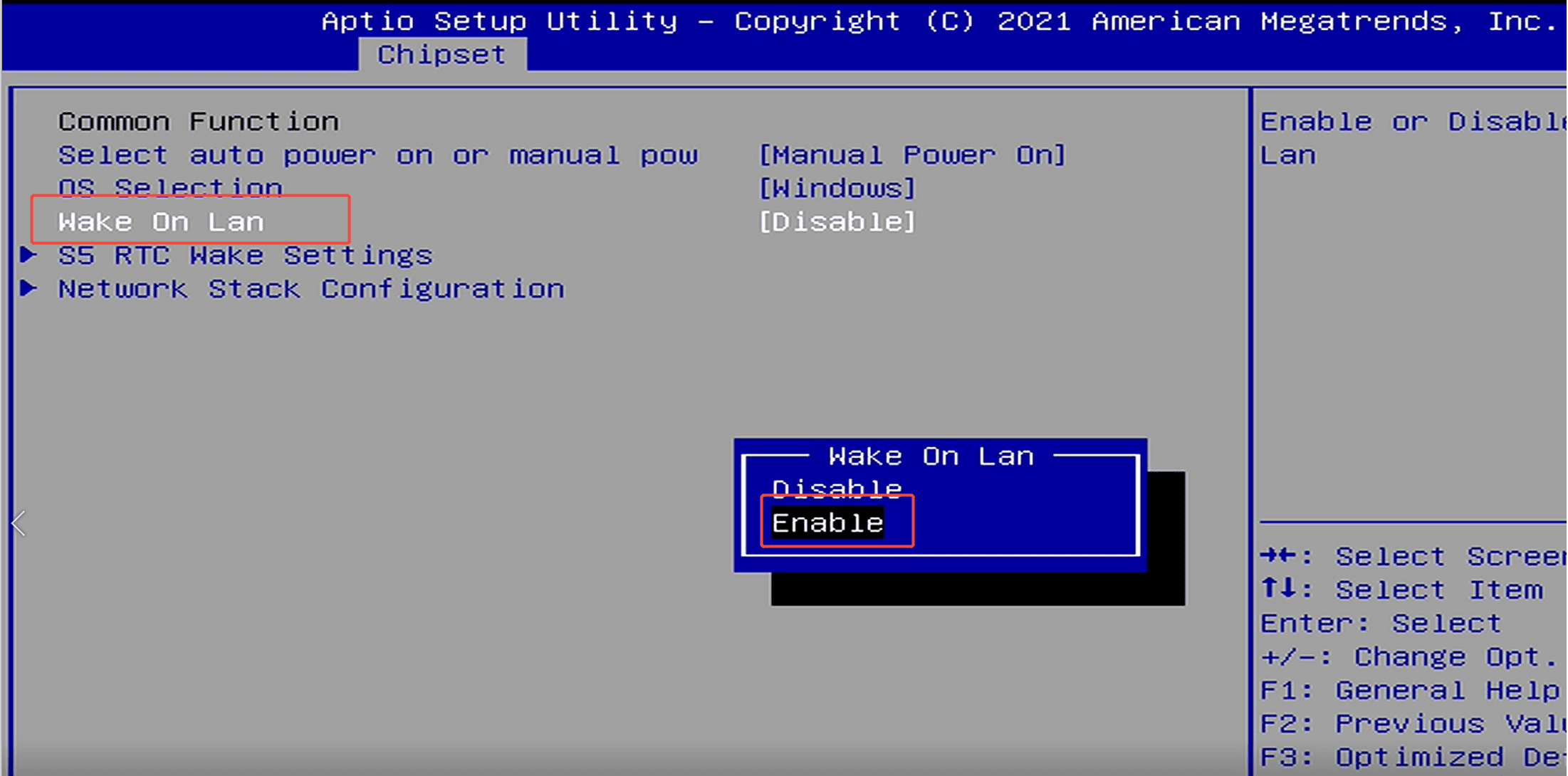
Go to Chipset → Common Function → Power on by auto or Manual → Select Auto Power on.
Go to Chipset → Common Function → Power on by auto or Manual → Select Auto Power on.


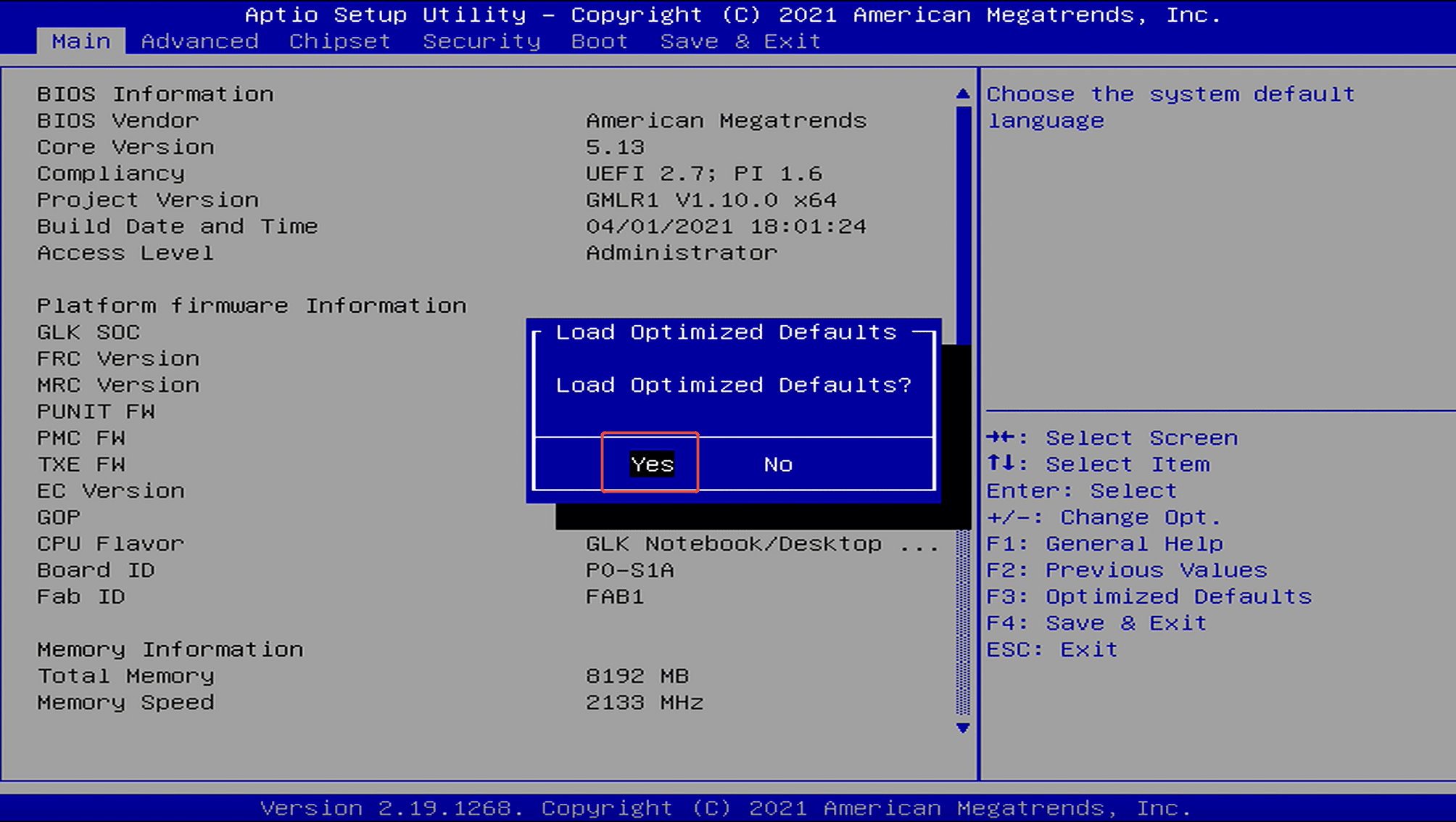
Step 3: Go to Save & Exit → Save Changes and Exit → Yes to save the changes and exit.
(Or press F4 to quickly save and exit.)
(Or press F4 to quickly save and exit.)


Jätä kommentti
Tämä sivu on suojattu hCaptcha-tunnistuksella, ja hCaptchan tietosuojakäytäntöjä ja käyttöehtoja sovelletaan.