Siirry sisältöön

Ostoskori

Ostoskorisi on tyhjä

Artikkeli: How to enter Safe Mode?

How to enter Safe Mode?

Step1: Press the power button and continuousl press F9 to enter the Choose an Option menu.

Step2: Select Troubleshoot Advanced optionsStartup Settings

Step3: Select Restart, then after restarting, press F4 to enter Safe Mode.

Jätä kommentti

Tämä sivu on suojattu hCaptcha-tunnistuksella, ja hCaptchan tietosuojakäytäntöjä ja käyttöehtoja sovelletaan.

Kaikki kommentit moderoidaan ennen julkaisemista.

Read more

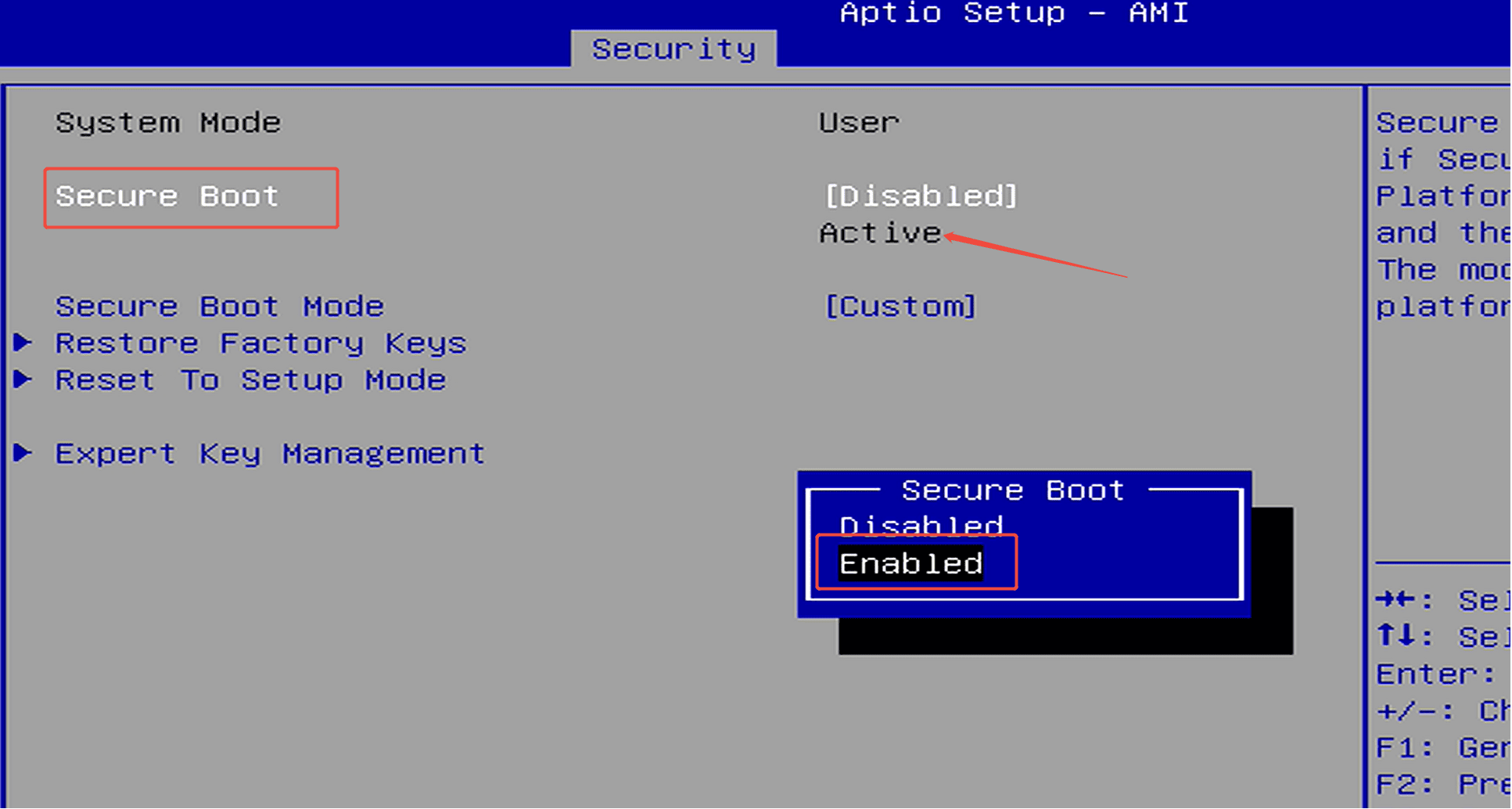
How to enable Security Boot?

How to enable Security Boot?

Step 1: Press the power button and continuously press F7 to enter the boot menu, then select “Enter Setup” to access the BIOS.(Or press the Delete key repeatedly immediately after pressing the powe...

Lisätietoja
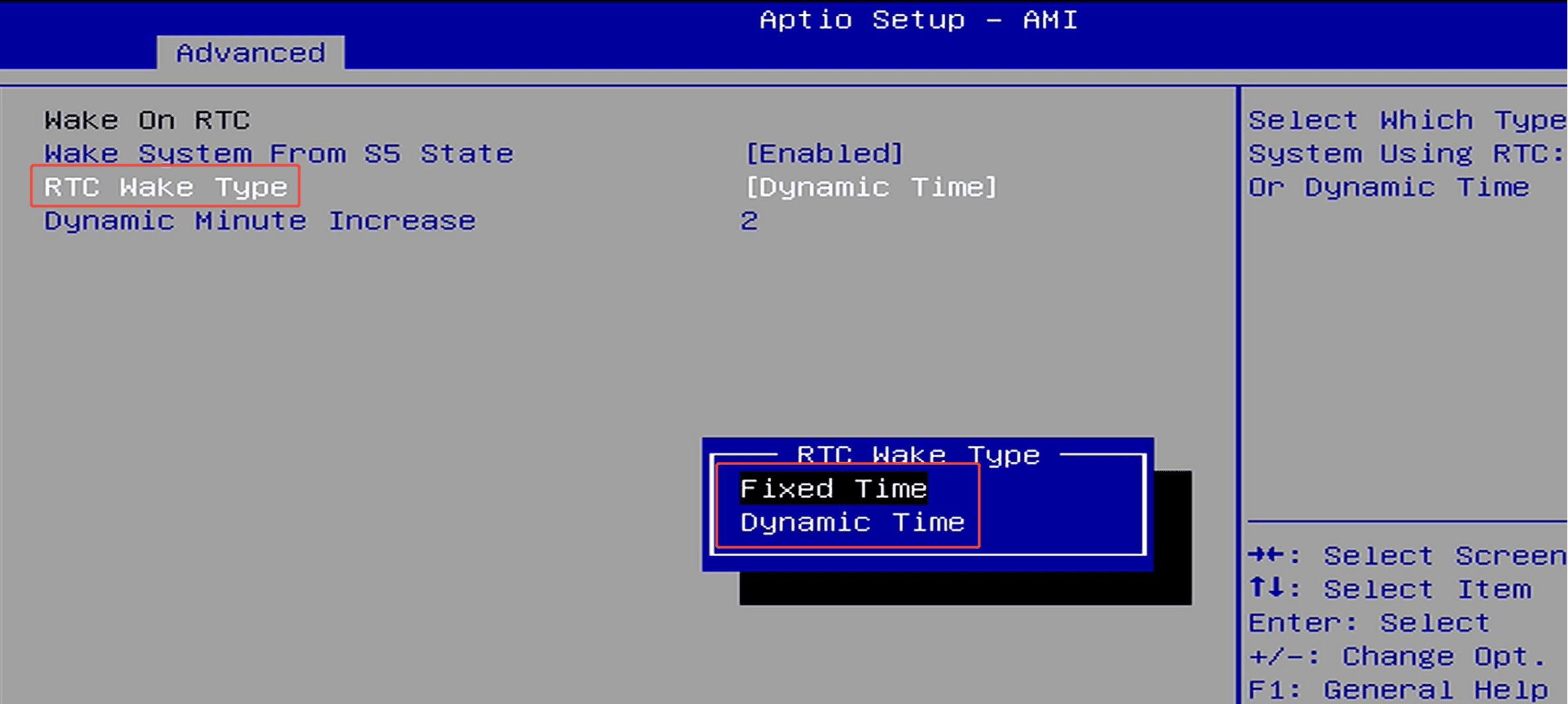
How to set up scheduled power-on (RTC Wake)?

How to set up scheduled power-on (RTC Wake)?

Step 1: Press the power button and immediately press F7 repeatedly to enter the boot menu, then select “Enter Setup” to enter the BIOS setup.(Or press the Delete key repeatedly immediately after pr...

Lisätietoja