Siirry sisältöön

Ostoskori

Ostoskorisi on tyhjä

Artikkeli: How to enter the BIOS settings?

How to enter the BIOS settings?

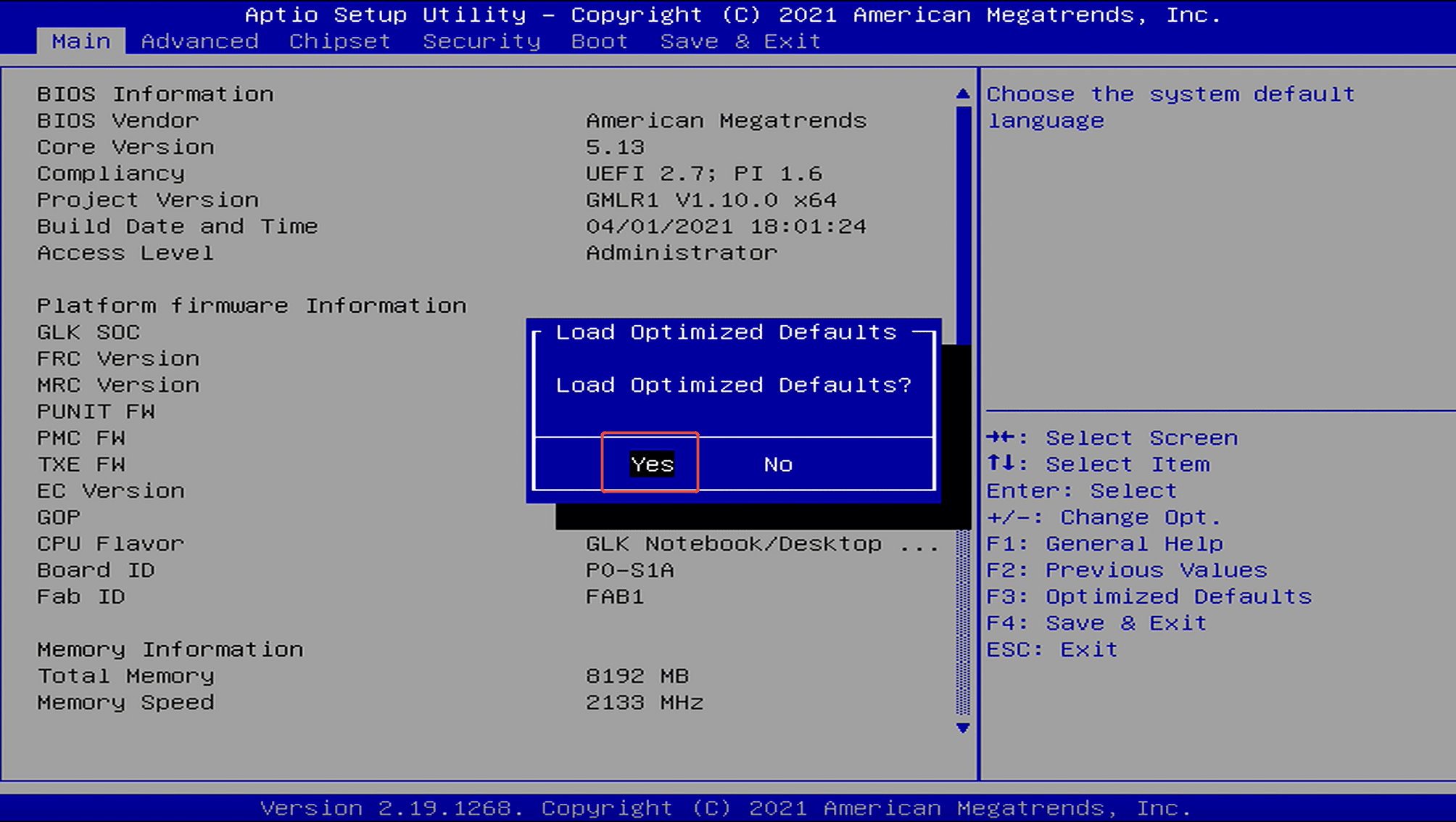
Method 1: Press the power button and immediately press F7 repeatedly to enter the boot device selection menu → select “Enter Setup” and press Enter to access the BIOS setup.

Method 2: Press the power button and immediately press Delete repeatedly to enter the BIOS setup.

Jätä kommentti

Situs ini dilindungi oleh hCaptcha dan berlaku Kebijakan Privasi serta Ketentuan Layanan hCaptcha.

Kaikki kommentit moderoidaan ennen julkaisemista.

Read more

How to install Windows 11 on an SSD?

How to install Windows 11 on an SSD?

YouTube video tutorial link:https://youtu.be/OlpszAT54e8?si=9gRIkBuBk3pAN2vg Step 1:Enter the MeLE official website to obtain the windows installation file->select Support ->Windows OS. Step...

Lisätietoja
How to reset BIOS Settings?

How to reset BIOS Settings?

Method 1: Restore Default Settings in BIOS.Step 1: Press the power button and immediately press F7 repeatedly to enter the boot menu, then select “Enter Setup” to enter the BIOS setup.(Or press the...

Lisätietoja