
How to Install Ubuntu 24.04?
Step 1: Go to the Ubuntu official website to download the Ubuntu 24.04 system image.

Step 2: Right-click the downloaded Ubuntu 24.04 system file → select Mount → Open, and copy all files .


Step 3: Insert a USB flash drive, format it as NTFS, and then copy all files to the USB drive.


Step 4: Press the power button and immediately press F7 repeatedly to enter the boot menu, then select the USB flash drive to begin the Ubuntu installation.

Step 5: Select Try or Install Ubuntu, and follow the on-screen instructions to complete the installation.

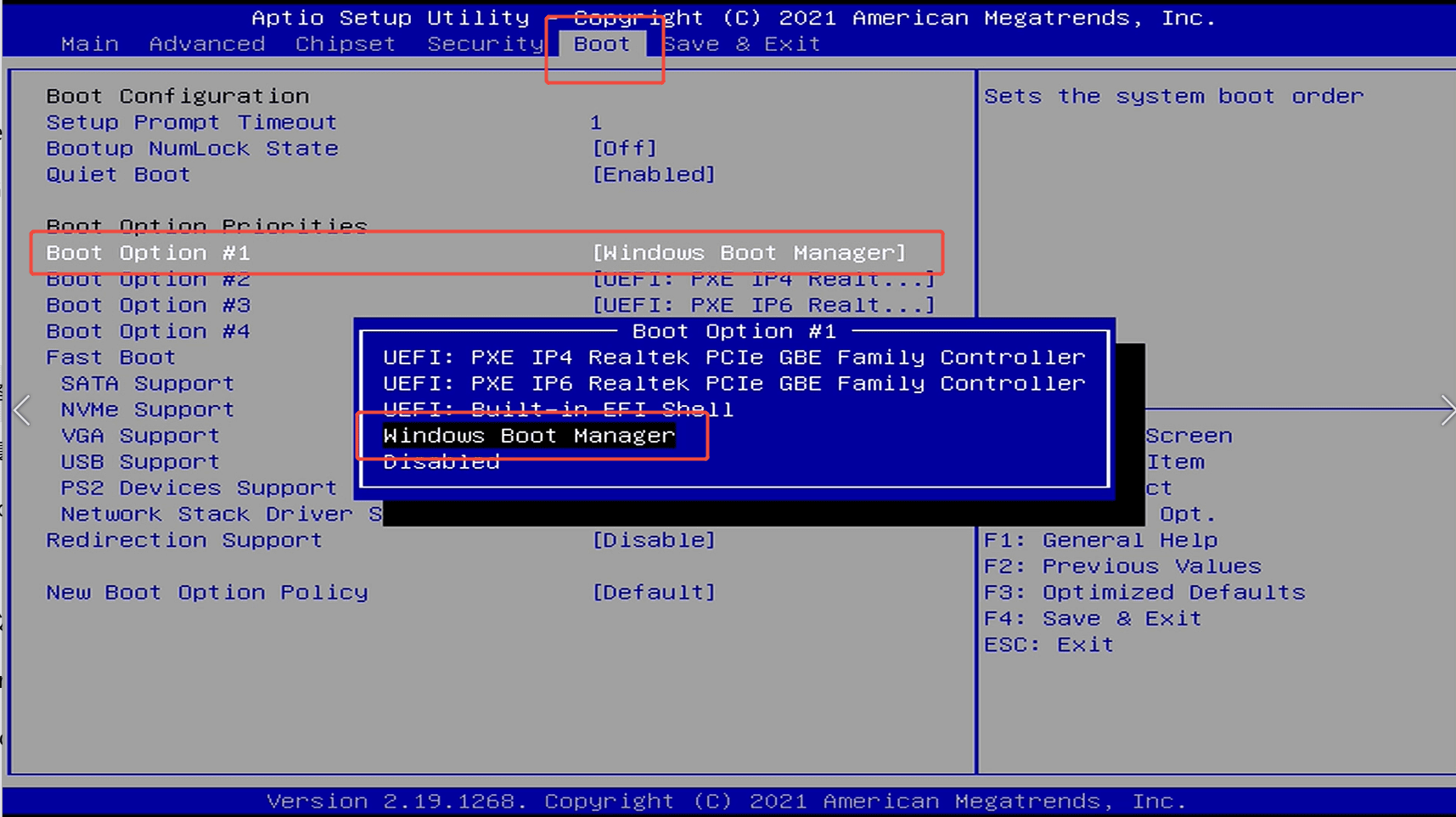
If you are unable to boot from the Ubuntu bootable disk, please enter the BIOS and modify the settings to allow booting from the Ubuntu bootable disk (only applicable to Gemini Lake J4125, J4105, N4020, and N4000 platforms). After making the changes, save and exit the BIOS, then reboot the Mini PC from the USB drive.
1.BIOS Setting →Chipset →Common Function →OS Selection →select Intel Linux.
2.BIOS Setting →Chipset →South Cluster Configuration →Miscellaneous Configuration →8254 Clock Gating →select Disable to disable 8254 Clock Gating.
3. Press F4 to save and exit.
1.BIOS Setting →Chipset →Common Function →OS Selection →select Intel Linux.
2.BIOS Setting →Chipset →South Cluster Configuration →Miscellaneous Configuration →8254 Clock Gating →select Disable to disable 8254 Clock Gating.
3. Press F4 to save and exit.
Select according to your network connection status. If you are not connected to the internet, choose "Do not connect to the internet." If you are connected, select the corresponding network option.


Set up your account information.


After the installation is complete, please remove the USB flash drive and then press ENTER.



Commenta
Questo sito è protetto da hCaptcha e applica le Norme sulla privacy e i Termini di servizio di hCaptcha.