%0A%0A%E3%82%B9%E3%83%86%E3%83%83%E3%83%972%EF%BC%9AAdvanced%20%E2%86%92%20NVMe%20Configuration%E3%81%AB%E7%A7%BB%E5%8B%95%E3%81%99%E3%82%8B%E3%81%A8%E3%80%81SSD%E5%AE%B9%E9%87%8F%E3%81%AA%E3%81%A9%E3%81%AE%E8%A9%B3%E7%B4%B0%E3%81%8C%E8%A1%A8%E7%A4%BA%E3%81%95%E3%82%8C%E3%81%BE%E3%81%99%E3%80%82%E6%83%85%E5%A0%B1%E3%81%8C%E8%A1%A8%E7%A4%BA%E3%81%95%E3%82%8C%E3%81%A6%E3%81%84%E3%82%8C%E3%81%B0%E3%80%81%E3%83%87%E3%83%90%E3%82%A4%E3%82%B9%E3%81%8CSS...)
BIOSでSSDが認識されているか確認する方法を教えてください。
ステップ1:電源ボタンを押してすぐにF7を繰り返し押してブートメニューに入り、「Enter Setup」を選択してBIOSにアクセスします。
(または、電源ボタンを押した後すぐにDeleteキーを繰り返し押してBIOS設定に入ります)

ステップ2:Advanced → NVMe Configurationに移動すると、SSD容量などの詳細が表示されます。情報が表示されていれば、デバイスがSSDを正常に検出したことを意味します。



ステップ1:電源ボタンを押してすぐにF7を繰り返し押してブートメニューに入り、「Enter Setup」を選択してBIOSにアクセスします。
(または、電源ボタンを押した後すぐにDeleteキーを繰り返し押してBIOS設定に入ります)
ステップ2:Advanced → NVMe Configurationに移動すると、SSD容量などの詳細が表示されます。情報が表示されていれば、デバイスがSSDを正常に検出したことを意味します。

BIOSでeMMCが認識されているかを確認する方法を教えてください。
ステップ1:電源ボタンを押してすぐにF7を繰り返し押して起動メニューに入り、「Enter Setup」を選択してBIOSにアクセスします。(または、電源ボタンを押した後すぐにDeleteキーを繰り返し押してBIOS設定に入ります) ステップ2:Advanced → SDIO Configurationに移動すると、eMMCの容量などの詳細を確認できます。情報が表示されていれば、デバイスがe...
Per saperne di più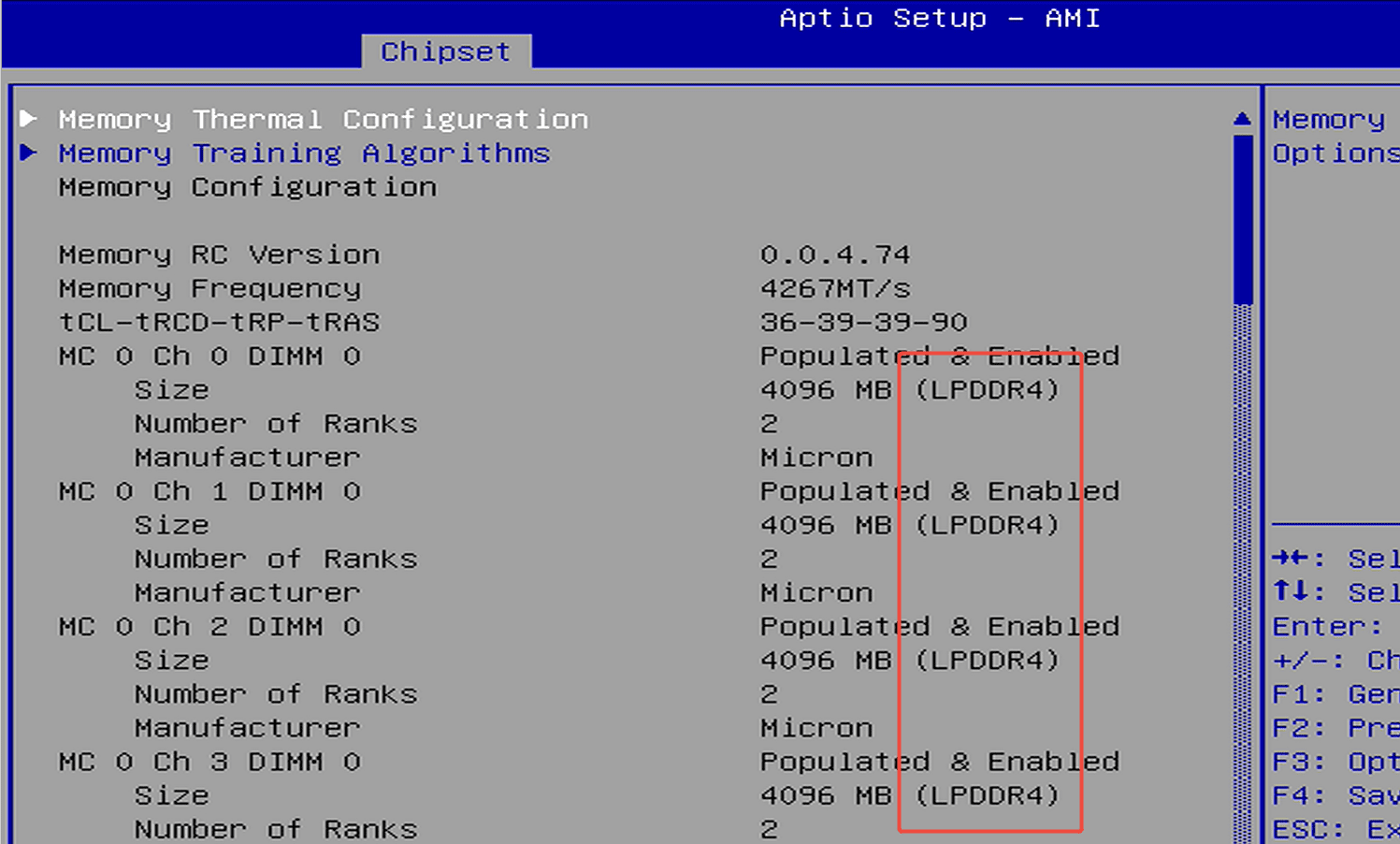
ステップ1:電源ボタンを押してから、F7を繰り返し押してブートメニューに入り、「Enter Setup」を選択してBIOSにアクセスします。(または、電源ボタンを押した後すぐにDeleteキーを繰り返し押してBIOS設定に入ります)。 ステップ2:設定方法はプラットフォームによって若干異なります。ご使用のプラットフォームに応じて以下の手順に従ってください。(1) Jasper Lake...
Per saperne di più
Commenta
Questo sito è protetto da hCaptcha e applica le Norme sulla privacy e i Termini di servizio di hCaptcha.