Pular para o conteúdo

Carrinho

Seu carrinho está vazio

Artigo: How to change the first Boot device?

How to change the first Boot device?

Step 1: Press the power button and continuously press F7 to enter the boot menu, then select “Enter Setup” to access the BIOS.
(Or press the Delete key repeatedly immediately after pressing the power button to enter the BIOS settings)

Step 2: Go to BootBoot Option PrioritiesBoot Option #1,and set the correct boot device as the first boot option

Step 3: Go to Save & Exit → Save Changes and Exit → Yes to save the changes and exit.
(Or press F4 to quickly save and exit.)

Deixar comentário

Este site é protegido por hCaptcha e a Política de privacidade e os Termos de serviço do hCaptcha se aplicam.

Os comentários precisam ser aprovados antes da publicação.

Read more

How to Install Ubuntu 24.04?

How to Install Ubuntu 24.04?

Step 1: Go to the Ubuntu official website to download the Ubuntu 24.04 system image. Step 2: Right-click the downloaded Ubuntu 24.04 system file → select Mount → Open, and copy all files . St...

Ver mais
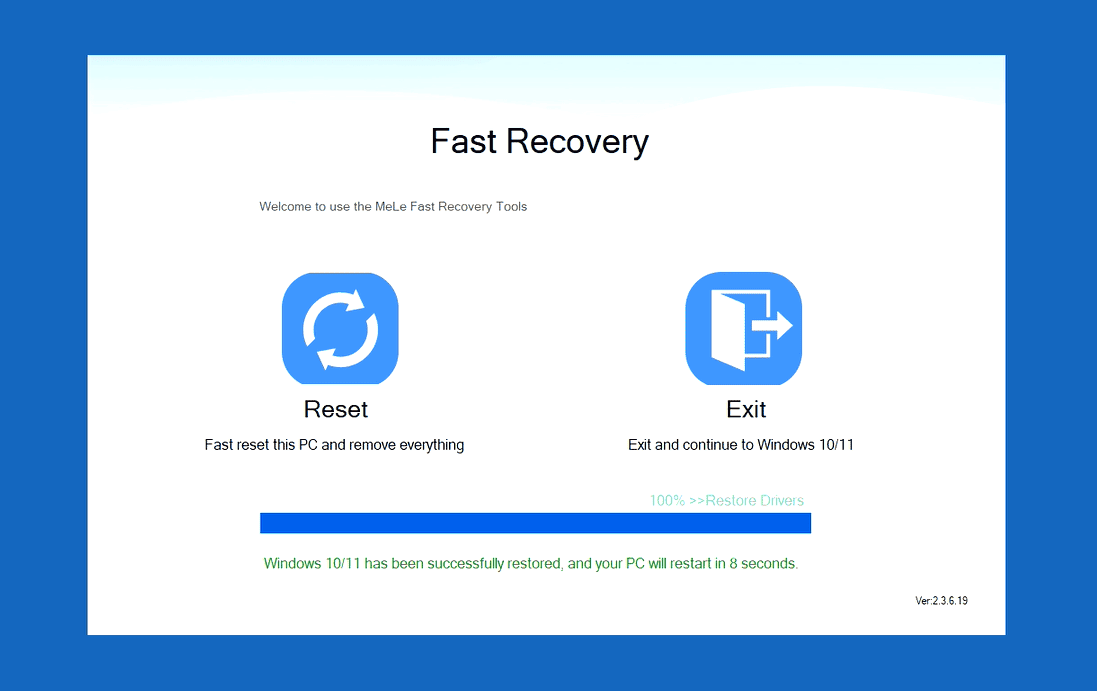
How to reset a mini pc using MeLE Fast Recovery?

How to reset a mini pc using MeLE Fast Recovery?

Step1: Press the power button and continuousl press F9 to enter the Choose an Option menu. Step2: Select Troubleshoot → MeLe Fast Recovery → Reset→Continue

Ver mais