
The first time to enter into Windows desktop.
There are some necessary settings for Mini PC before enter into Windows desktop at the first time we power on the Mini PC.
Step 1, Baic Settings, select language,region,keyboard layout which you want.


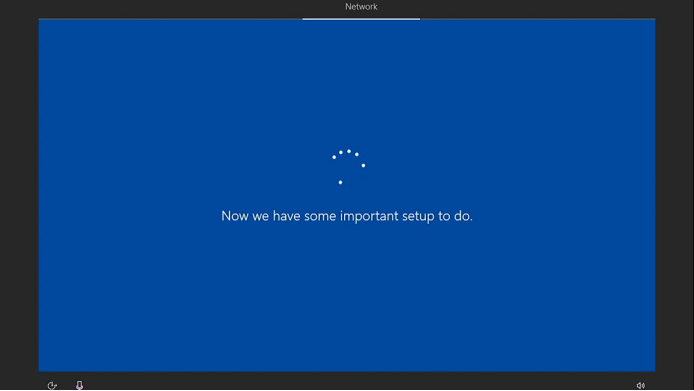
Step 2, Network settings. You can use a network cable to connect the internet. There will be some setup to do when the Mini PC can access to internet, please be patient to wait.

Step 3, Account settings. You can create a offline account of the Mini PC, and the password is not necessary when you want to save time of this step. If you want to use an online account , please use a network cable to connect internet before you power on the Mini PC.


Step 4, Services settings. Select the setings of Cortana to finish the necessary settings for Mini PC.




Jätä kommentti
Tämä sivu on suojattu hCaptcha-tunnistuksella, ja hCaptchan tietosuojakäytäntöjä ja käyttöehtoja sovelletaan.