跳转到内容

购物车

您的购物车为空

文章: How to enter Safe Mode?

How to enter Safe Mode?

Step1: Press the power button and continuousl press F9 to enter the Choose an Option menu.

Step2: Select Troubleshoot Advanced optionsStartup Settings

Step3: Select Restart, then after restarting, press F4 to enter Safe Mode.

发表评论

此站点受 hCaptcha 保护,并且 hCaptcha 隐私政策服务条款适用。

所有评论在发布前都会经过审核。

阅读更多

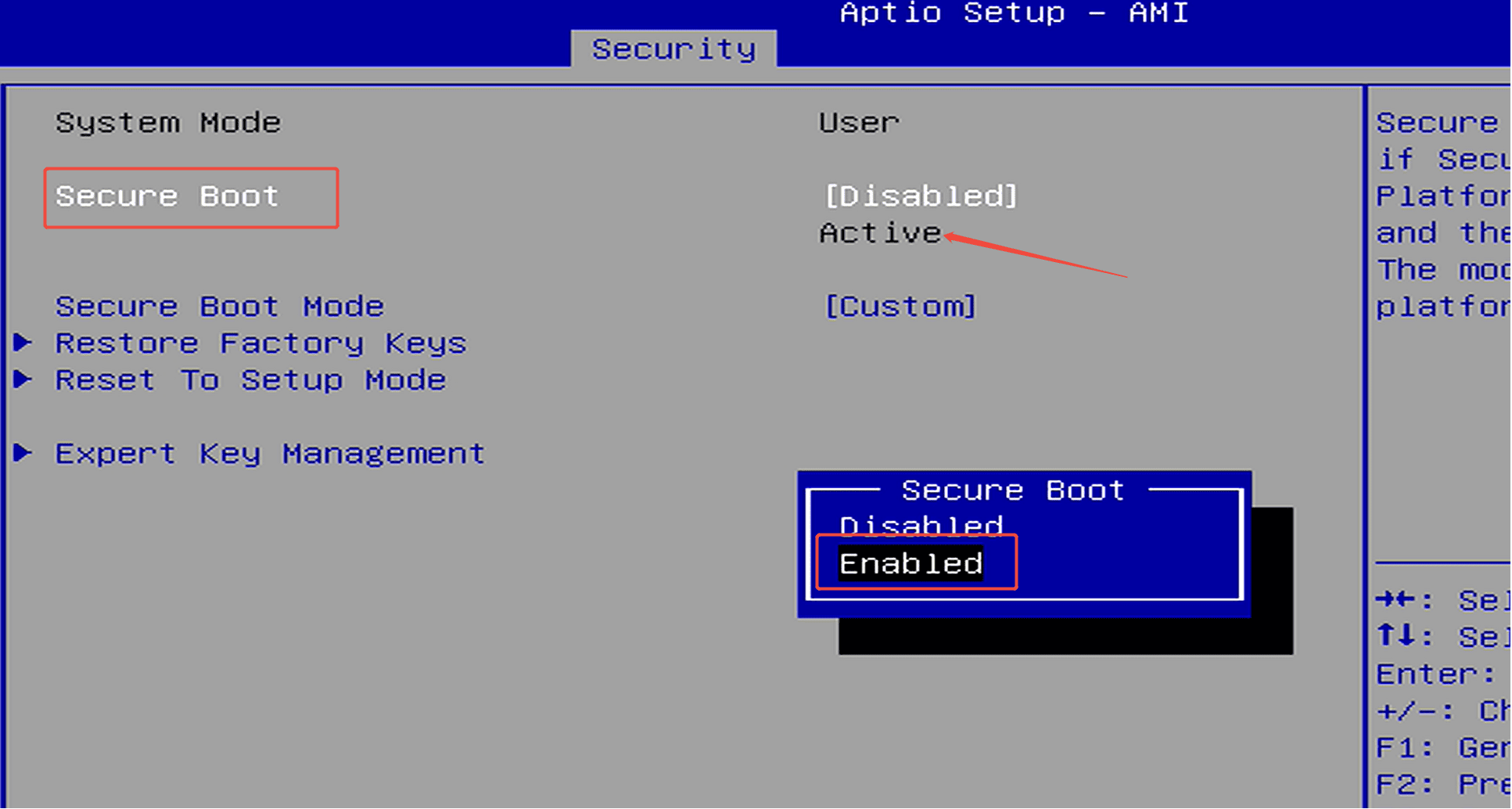
How to enable Security Boot?

How to enable Security Boot?

Step 1: Press the power button and continuously press F7 to enter the boot menu, then select “Enter Setup” to access the BIOS.(Or press the Delete key repeatedly immediately after pressing the powe...

阅读更多
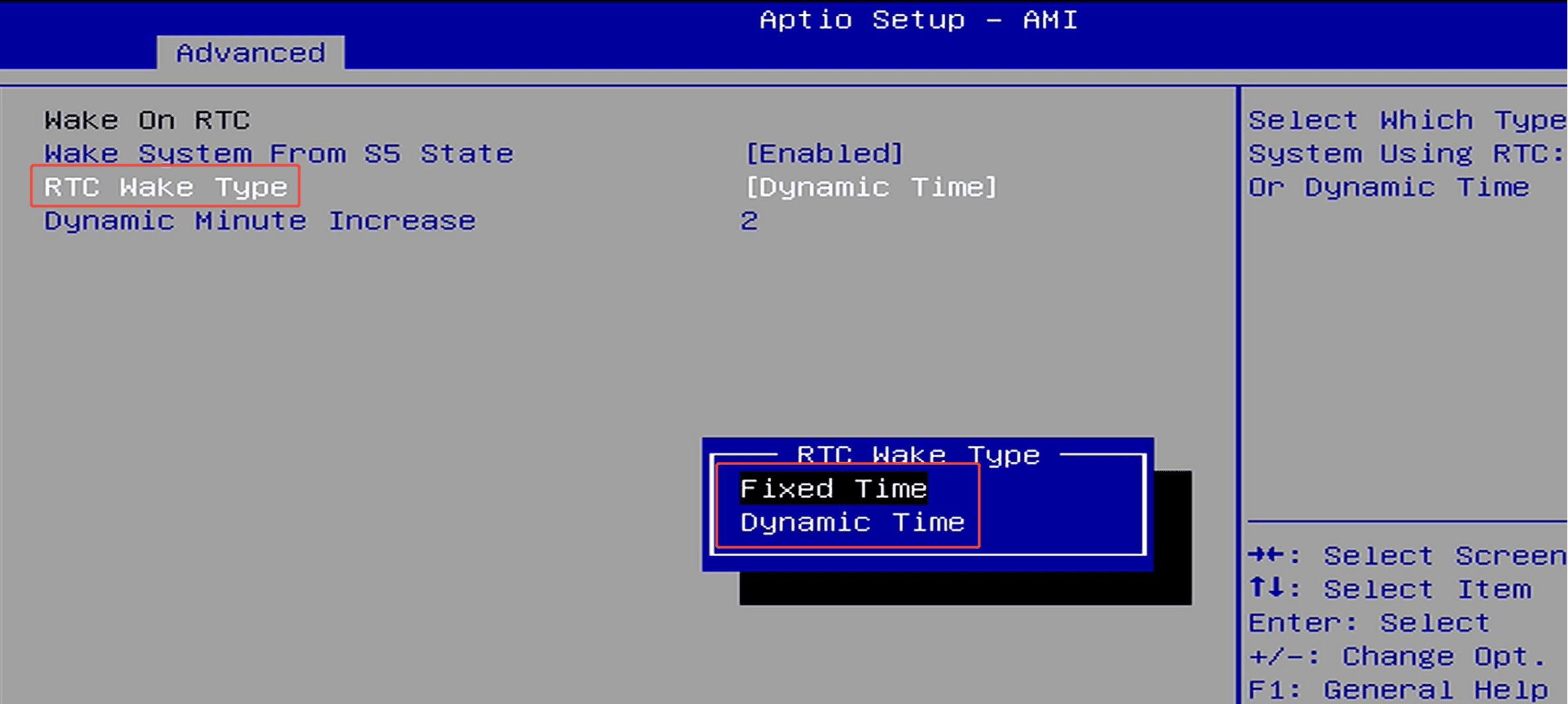
How to set up scheduled power-on (RTC Wake)?

How to set up scheduled power-on (RTC Wake)?

Step 1: Press the power button and immediately press F7 repeatedly to enter the boot menu, then select “Enter Setup” to enter the BIOS setup.(Or press the Delete key repeatedly immediately after pr...

阅读更多