
如何设置自动开机?
步骤1、按下电源按钮,然后连续按F7或Delete进入选择启动设备菜单→选择Enter Setup并按Enter进入BIOS设置菜单。
步骤2、不同平台的设置方法可能略有差异,请参考下面各平台的方法设置。
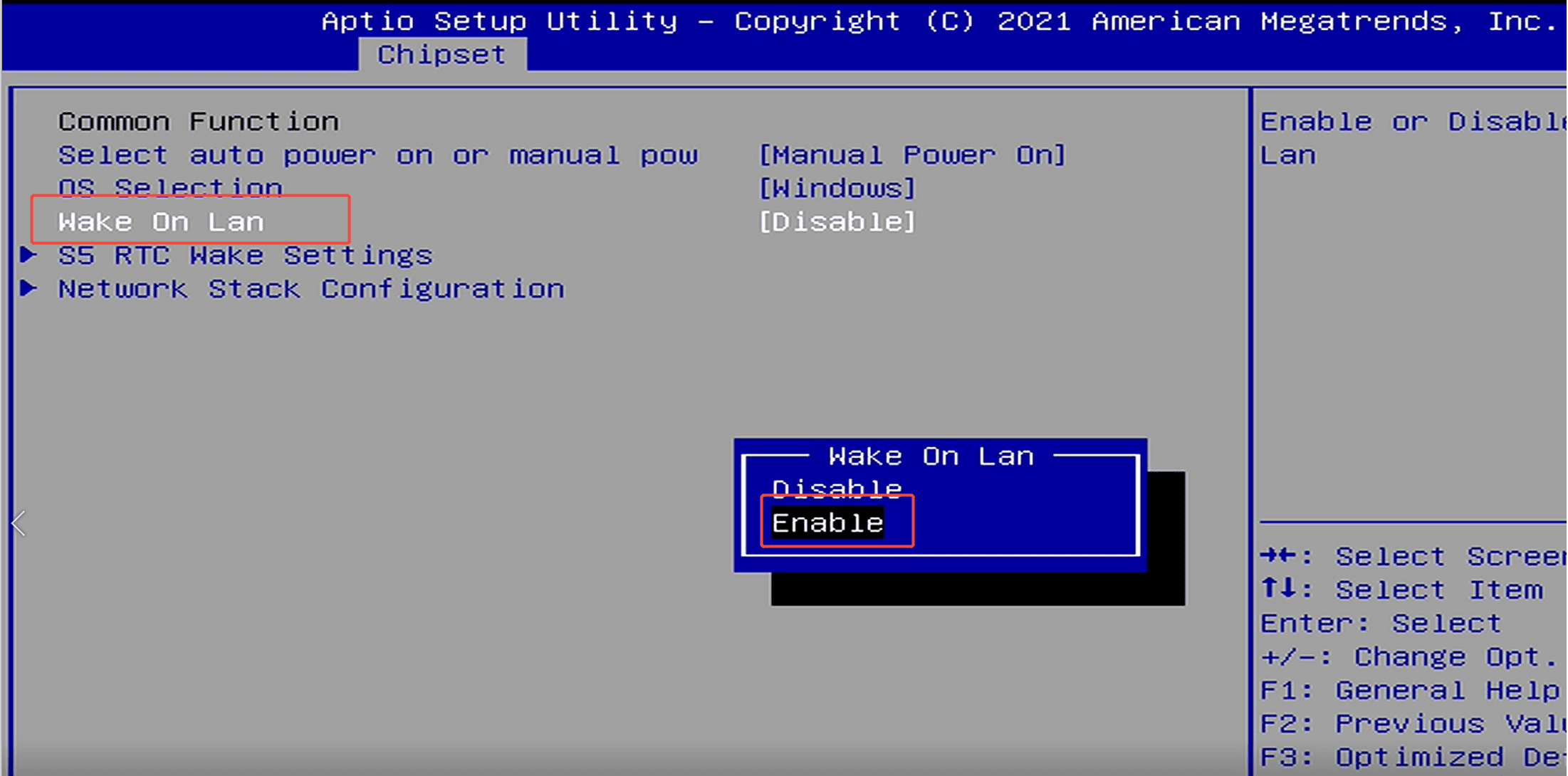
Gemini Lake J4125 & J4105 & N4020 & N4000(Quieter2、PCG02 等)
选择芯片组→ 常用功能→ 自动开机或手动开机→选择自动开机。


Jasper Lake N5105 & N5095 & N5100 & N4500(Quieter3、PCG02 Pro、Overclock3 等)
Alder Lake-N N95 & N100 & N97 & N50 & N200(Quieter4、PCG02 Pro、Overclock4 等)
选择高级→ 客户专属功能→ 自动开机→ 选择已启用。

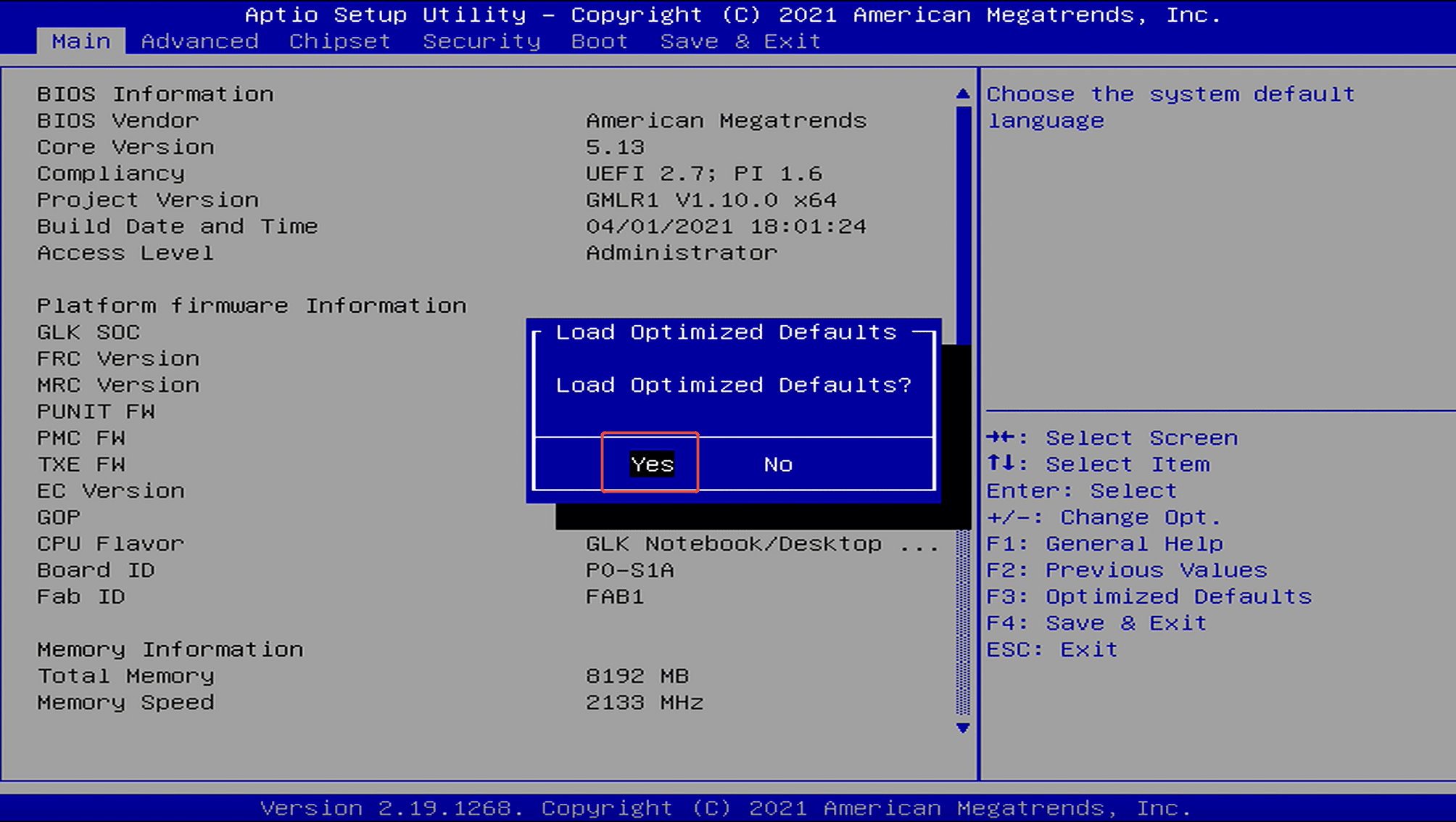
步骤3、然后前往Save & Exit → Save Changes and Exit → Yes ,完成此设置。
或按 F4 保存并退出。
%E9%80%89%E6%8B%A9%E8%8A%AF%E7%89%87%E7%BB%84%E2%86%92%20%E5%B8%B8%E7%94%A8%E5%8A%9F%E8%83%BD%E2%86%92%20%E8%87%AA%E5%8A%A8%E5%BC%80%E6%9C%BA%E6%88%96%E6%89%8B...)
发表评论
此站点受 hCaptcha 保护,并且 hCaptcha 隐私政策和服务条款适用。