
常问问题
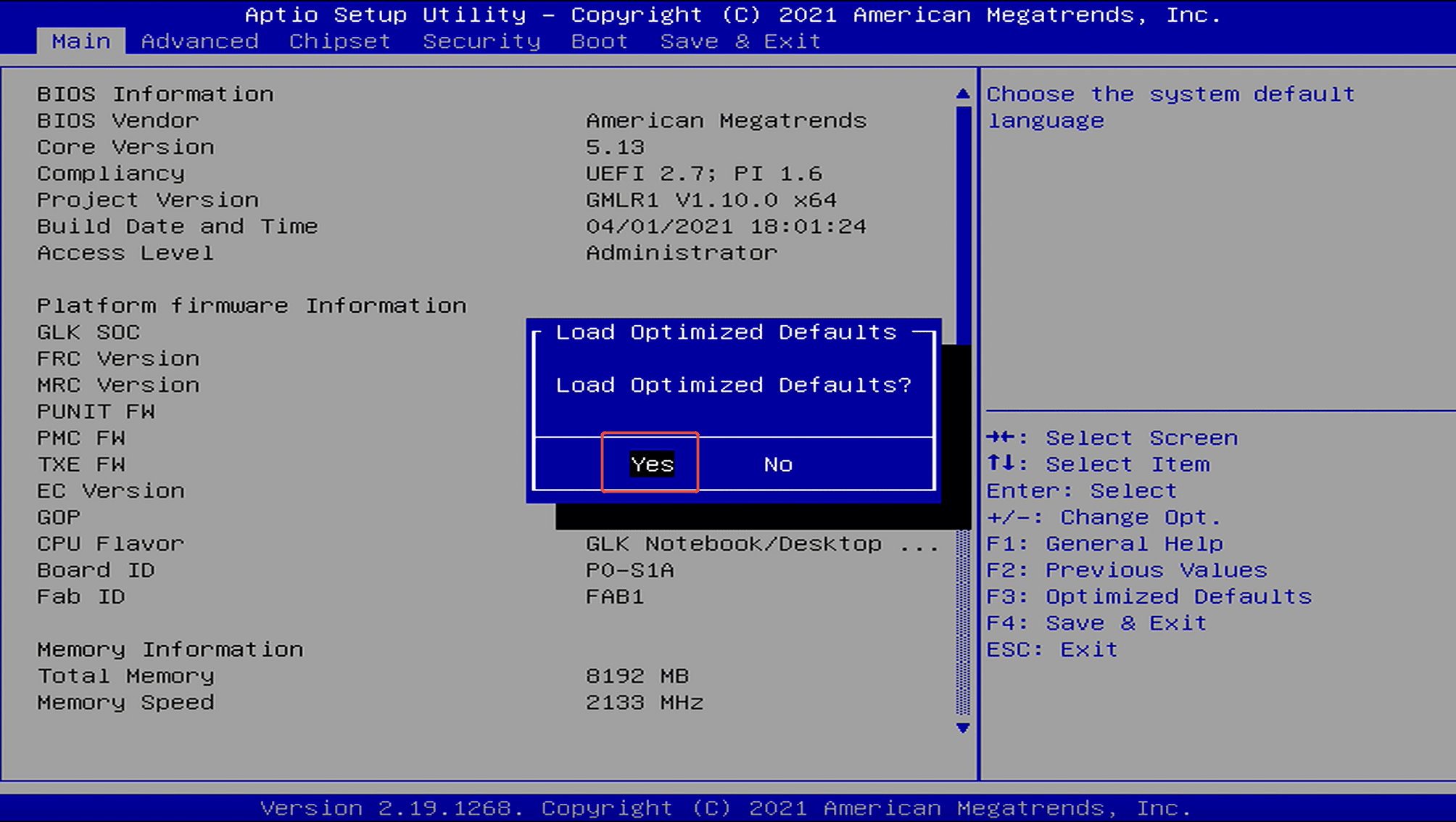
Method 1: Restore Default Settings in BIOS.Step 1: Press the power button and immediately press F7 repeatedly to enter the boot menu, then select “Enter Setup” to enter the BIOS setup.(Or press the...
阅读更多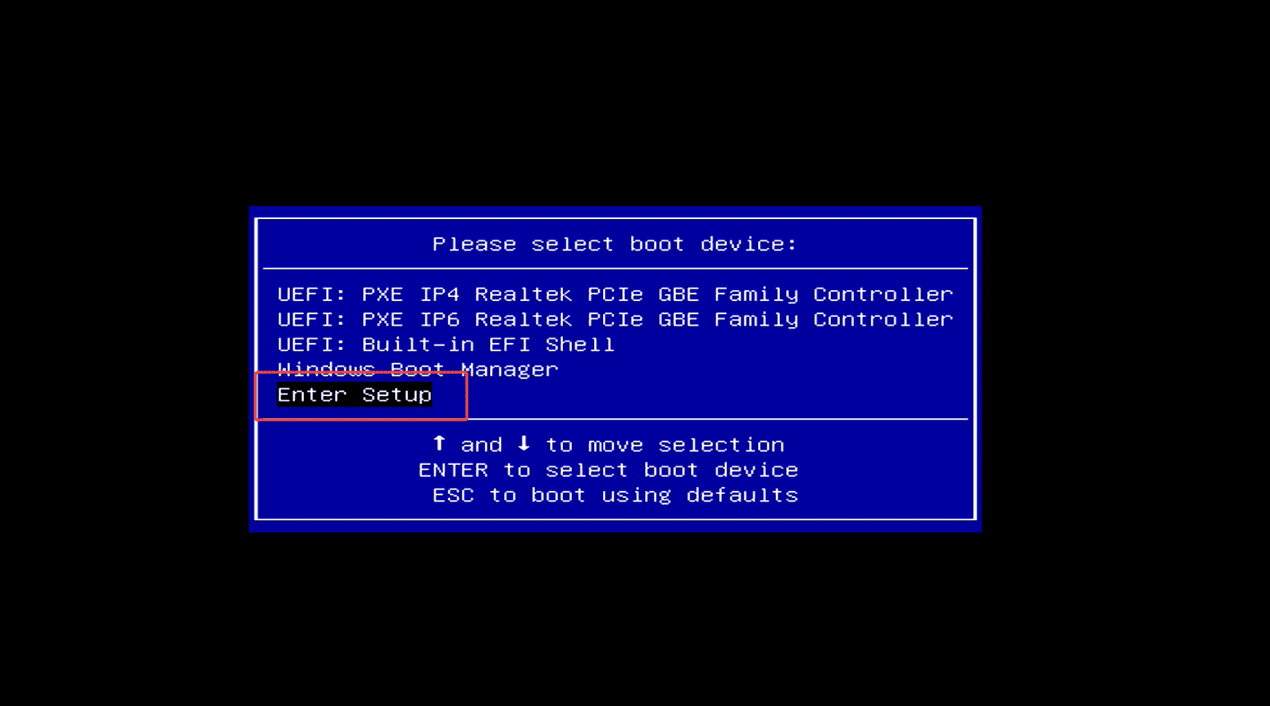
How to enter the BIOS settings?
Method 1: Press the power button and immediately press F7 repeatedly to enter the boot device selection menu → select “Enter Setup” and press Enter to access the BIOS setup. Method 2: Press the ...
阅读更多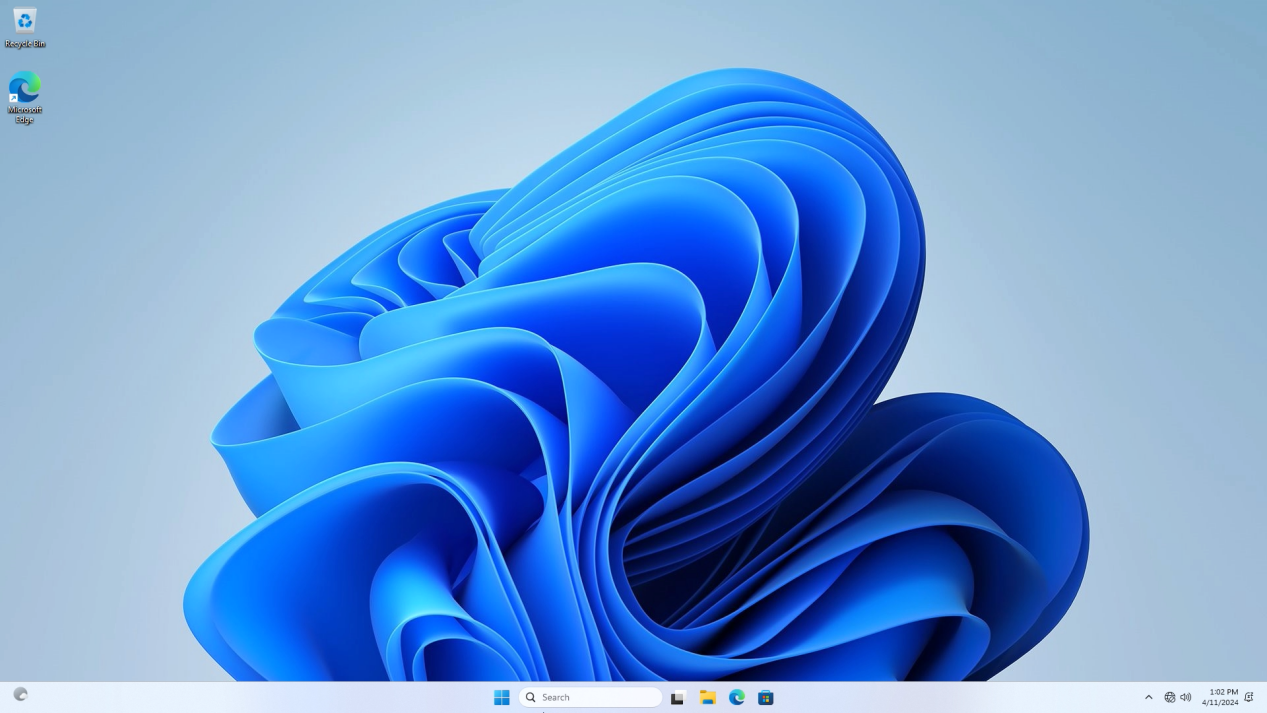
How to install Windows 11 on an SSD?
YouTube video tutorial link:https://youtu.be/OlpszAT54e8?si=9gRIkBuBk3pAN2vg Step 1:Enter the MeLE official website to obtain the windows installation file->select Support ->Windows OS. Step...
阅读更多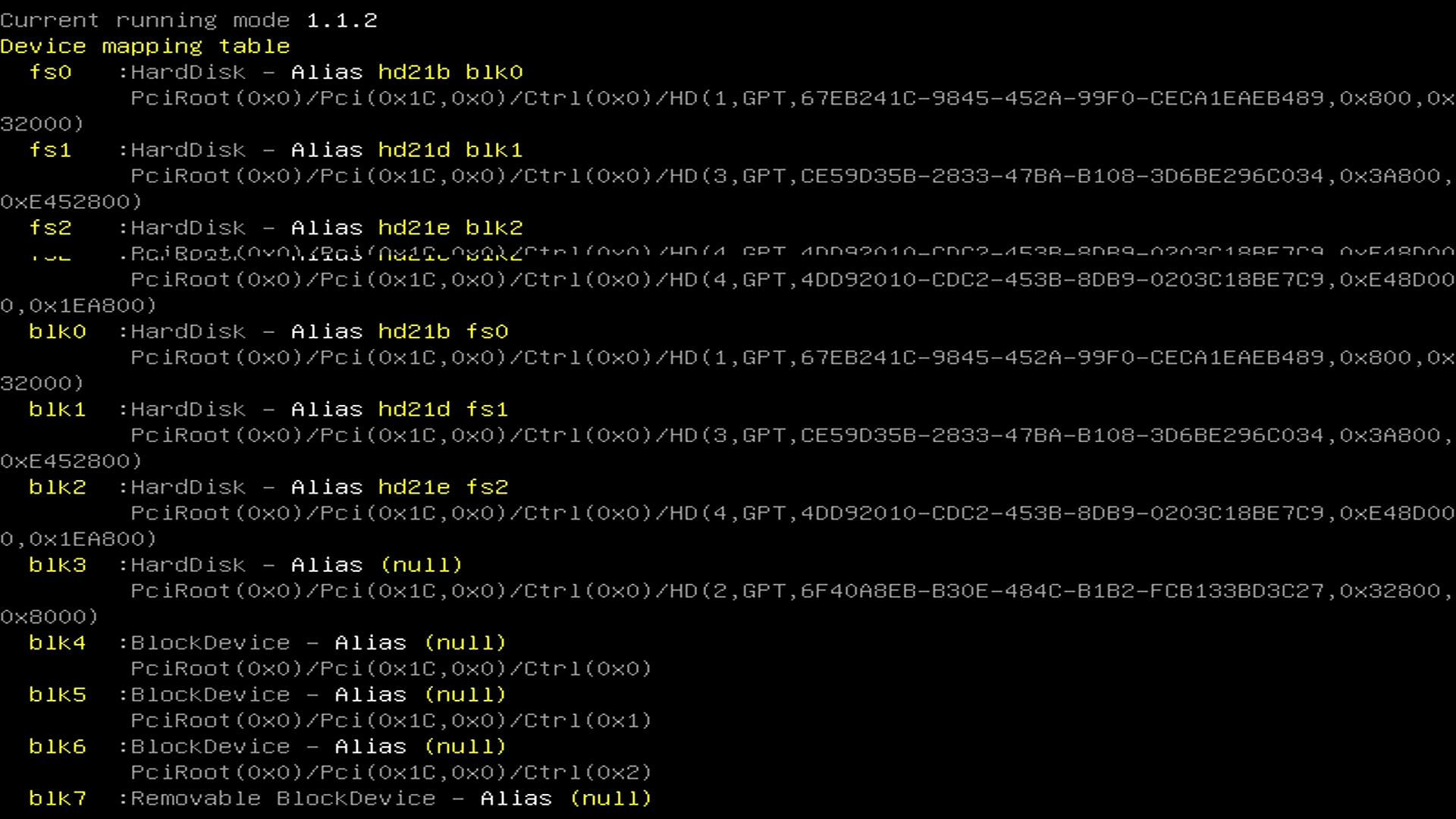
当我们启动计算机并遇到 UEFI shell 界面时,这表明 BIOS 中的第一个启动选项已从 Windows 操作系统更改为 到 UEFI shell。 要解决此问题,只需进入BIOS并将第一个启动选项改回Windows OS。具体步骤如下: 方法 1:步骤1:关闭迷你电脑的电源 步骤2:按下电源按钮,然后连续按F7进入选择启动设备菜单->选择Windows Boot ...
阅读更多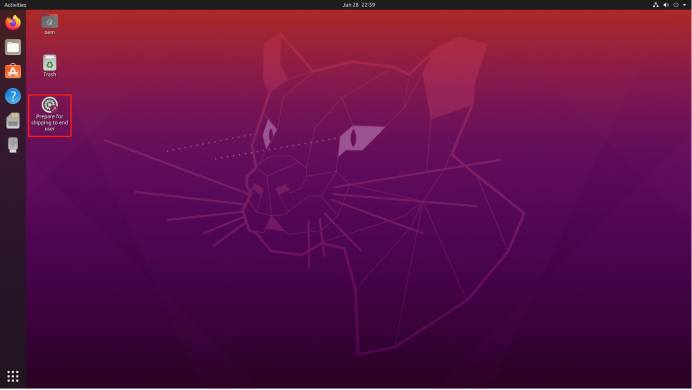
步骤 1 ,如果无法从 Ubuntu 启动盘启动,请更改 BIOS 设置以允许从 Ubuntu 启动盘启动。(Gemini Lake J4125 & J4105 & N4020 & N4000,其他平台无需设置 BIOS) A.按下电源按钮,然后连续按F7或Delete进入选择启动设备菜单->选择Enter Setup并按Enter进入BIOS设置菜单。 B. ...
阅读更多
步 1 、准备一个NTFS文件系统的U盘。 步 2 、 从 MeLE 支持和解压缩处下载最新的 Windows 映像 .zip 。 步骤3,将Windows映像的所有系统文件复制到USB闪存盘的根目录下。 步 4 、将U盘插入Mini PC,并连接键盘。步 5 、方法一,按下电源键,连续按F7键进入选择启动菜单,选择您的U盘重新安装Windows系统。 方法二,按下电源键,...
阅读更多
WSL(Windows subset for Linux):Windows 系统的一个子系统,可以在其上安装并运行 Linux 操作系统。(例如 Ubuntu、openSUSE、Kali、Debian 等) 它允许开发人员直接在 Windows 上按原样运行 GNU/Linux 环境(包括大多数命令行工具、实用程序和应用程序),而无需承担传统虚拟机或双启动设置的开销。 相较于传统...
阅读更多
步骤1,打开本地组策略编辑器。按WIN+R键->输入“gpedit.msc”->回车,打开本地组策略编辑器。 第 2 步,单击本地计算机策略->管理员模板-> Windows 组件,双击Window 更新。 步骤3,双击“ 指定内网Microsoft更新服务位置”,选择“已启用”,启用指定内网Microsoft更新服务位置。设置内网更新服务检测更新、...
阅读更多

如果你的迷你电脑的声卡是ES8336,升级到Win11后,声卡的录音功能可能会丢失。在这种情况下, 请卸载并重新安装ES8336声卡驱动,具体步骤如下: 1.下载驱动程序Audio-ES8336-Win11 。 2.按下键盘上的Windows键+R键。 3. 在运行对话框中,输入devmgmt.msc并按 Enter 键。 4. 在设备管理器中,找到名为ESAuDriver...
阅读更多