常问问题
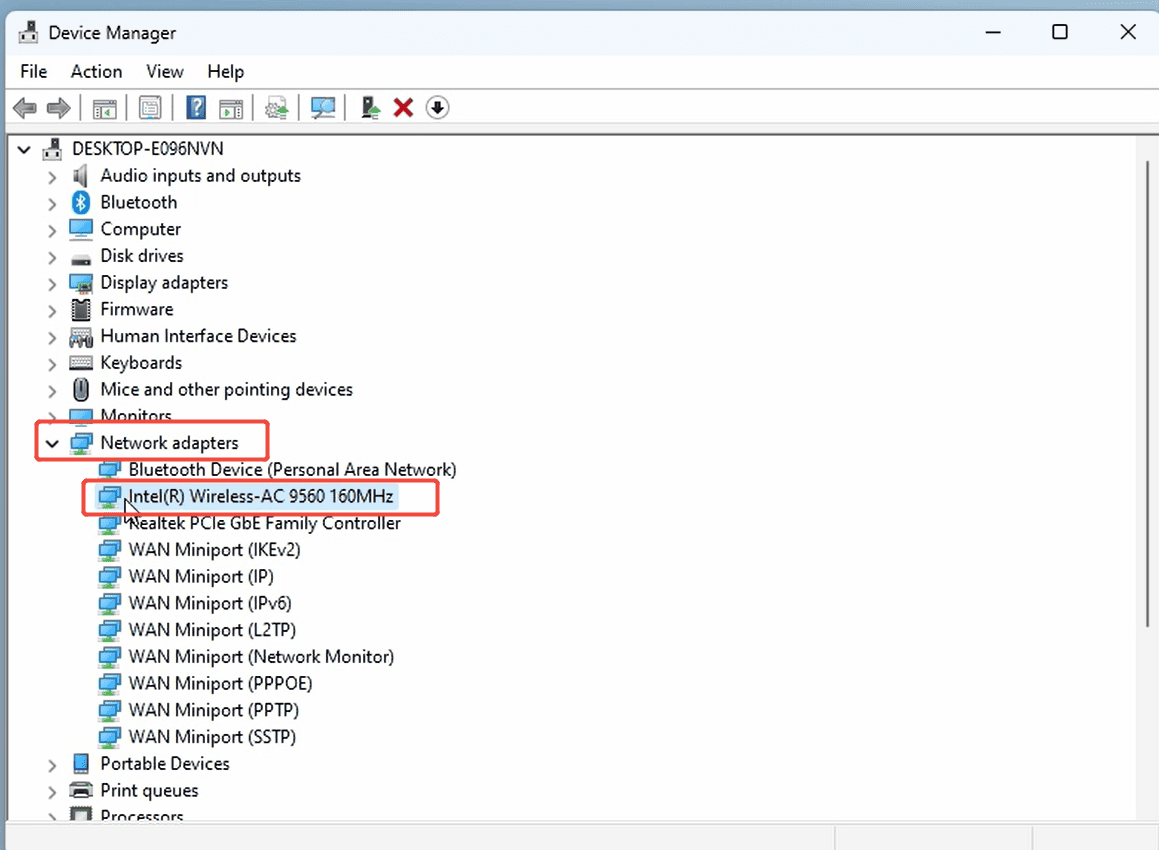
How to Reinstall the Wi-Fi driver?
Here are the steps to reinstall the Wi-Fi driver, using the MeLE Quieter 4C as an example. Step 1: Click Start → Settings, then check the CPU model of your device. Step 2: Visit the official MeLE ...
阅读更多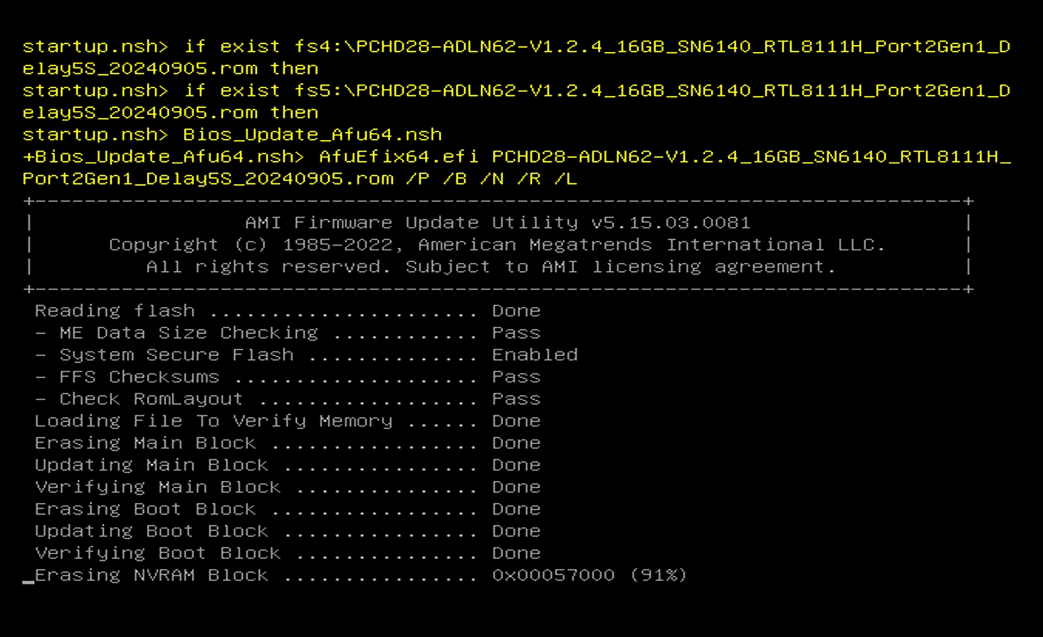
Important Notice: Due to the potential for irreversible consequences from using the wrong version of BIOS or errors during the upgrade process, MeLE provides the upgrade procedure as a standard ref...
阅读更多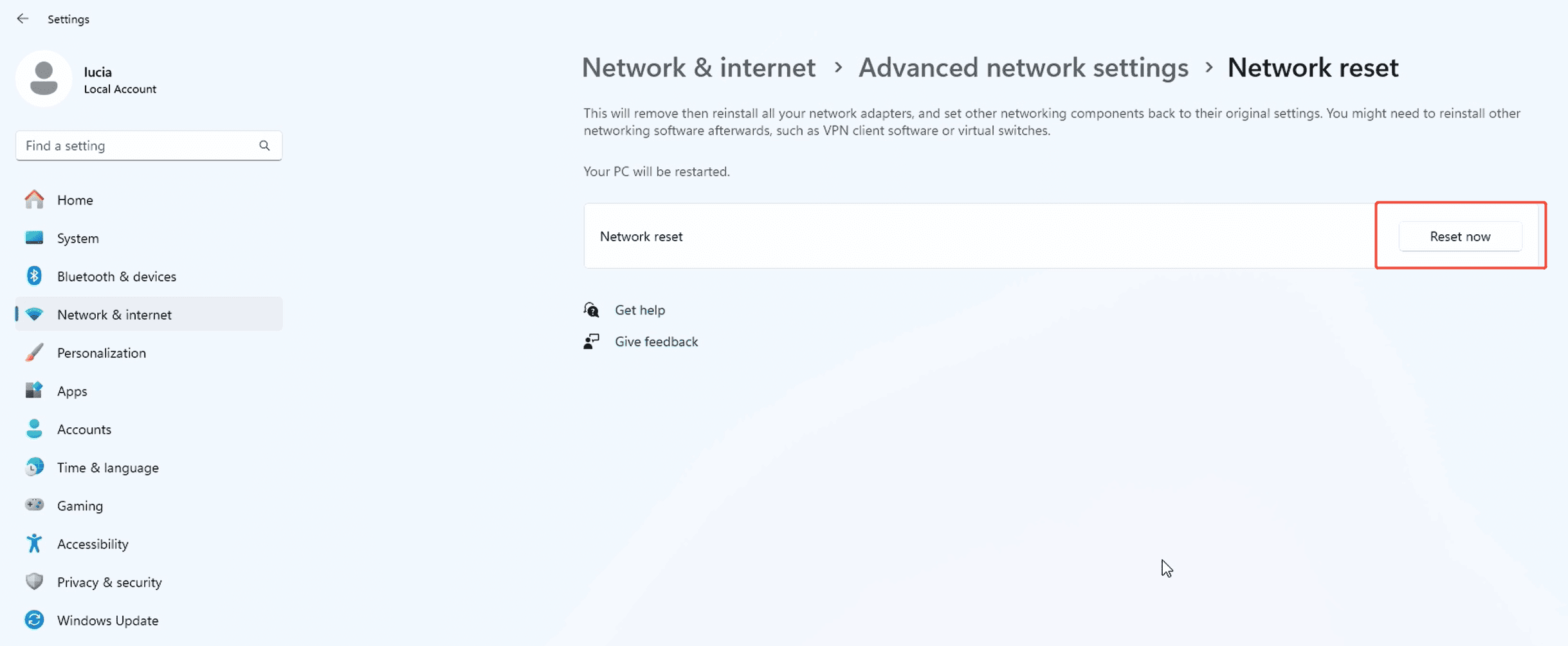
How to reset network settings?
When you experience issues such as being unable to connect to Wi-Fi or frequent network disconnections, you can try resetting the network to resolve the problem. Click Start → Settings→Network &...
阅读更多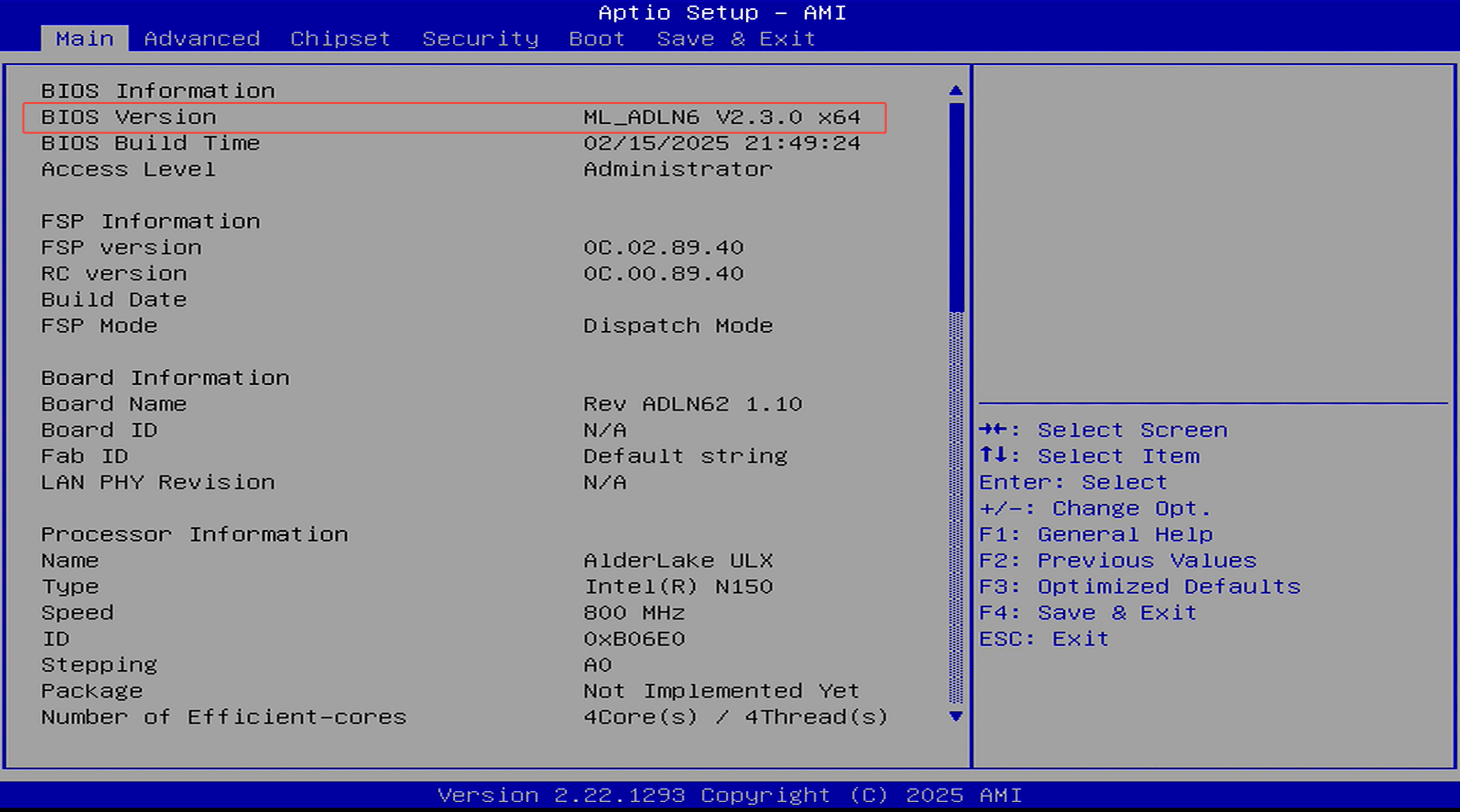
How can I check the BIOS version?
There are two ways to check the current BIOS version of your Mini PC:Method 1: When the computer starts and the Intel logo appears, the current BIOS version will be displayed in the lower right cor...
阅读更多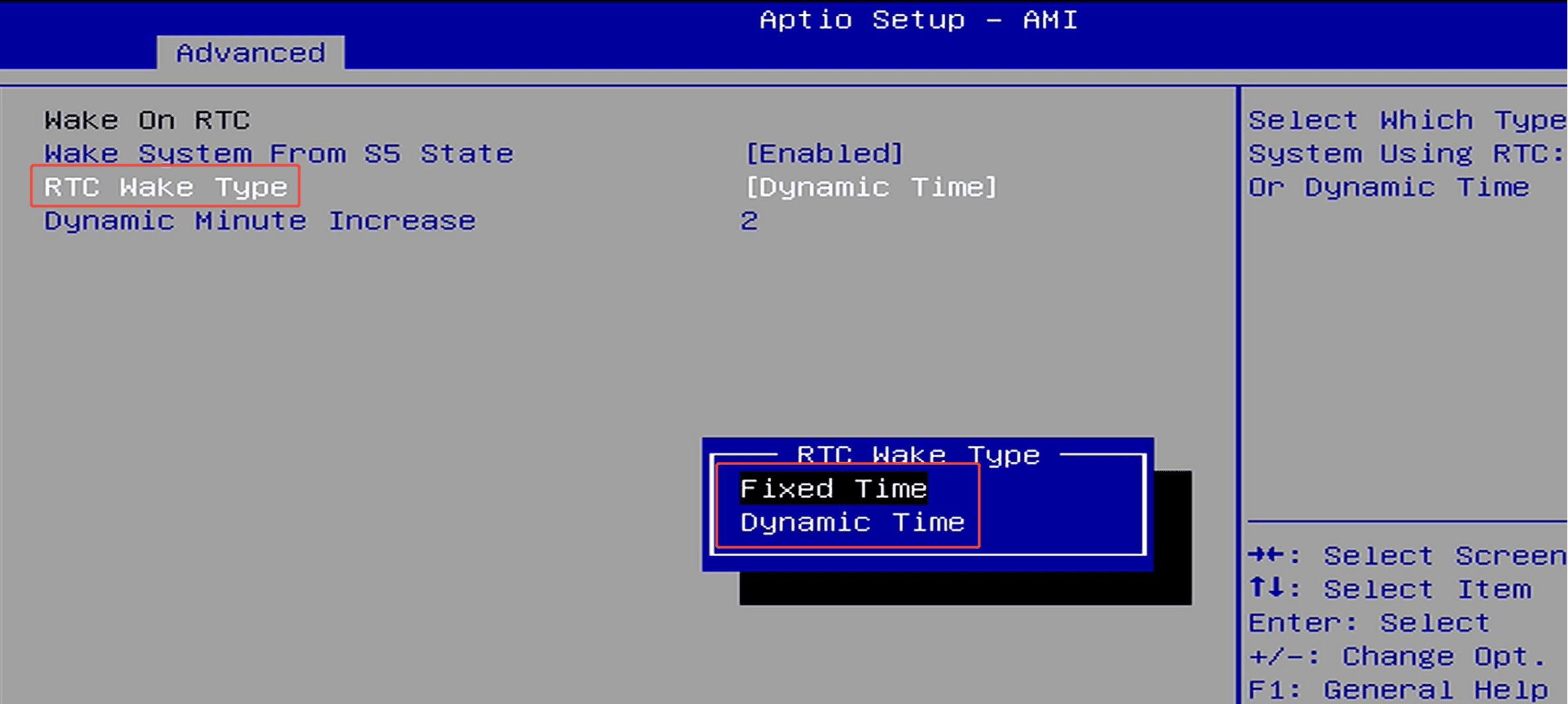
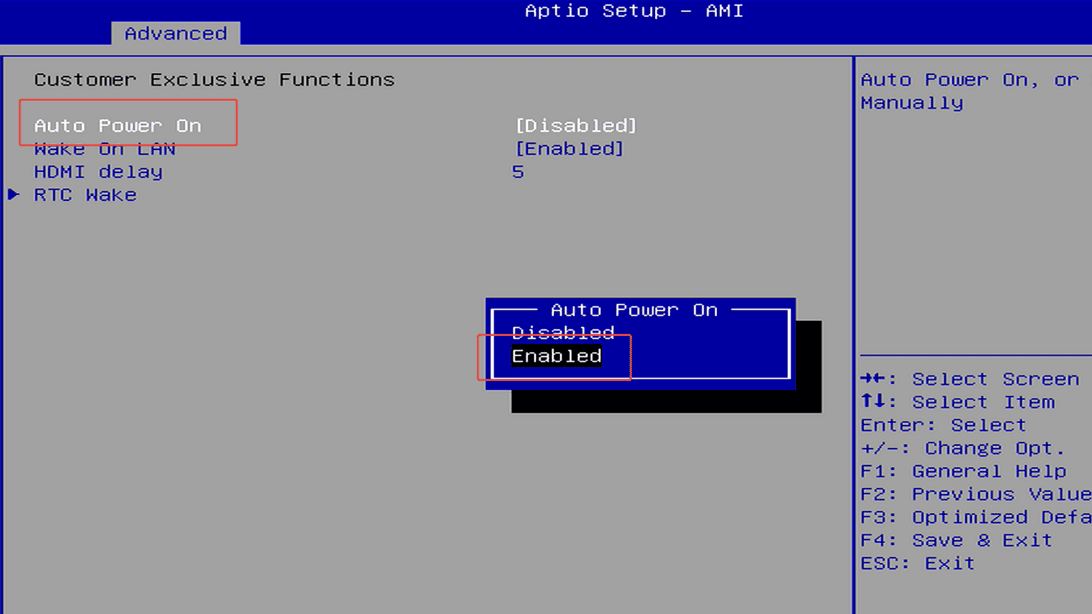
How to set up scheduled power-on (RTC Wake)?
Step 1: Press the power button and immediately press F7 repeatedly to enter the boot menu, then select “Enter Setup” to enter the BIOS setup.(Or press the Delete key repeatedly immediately after pr...
阅读更多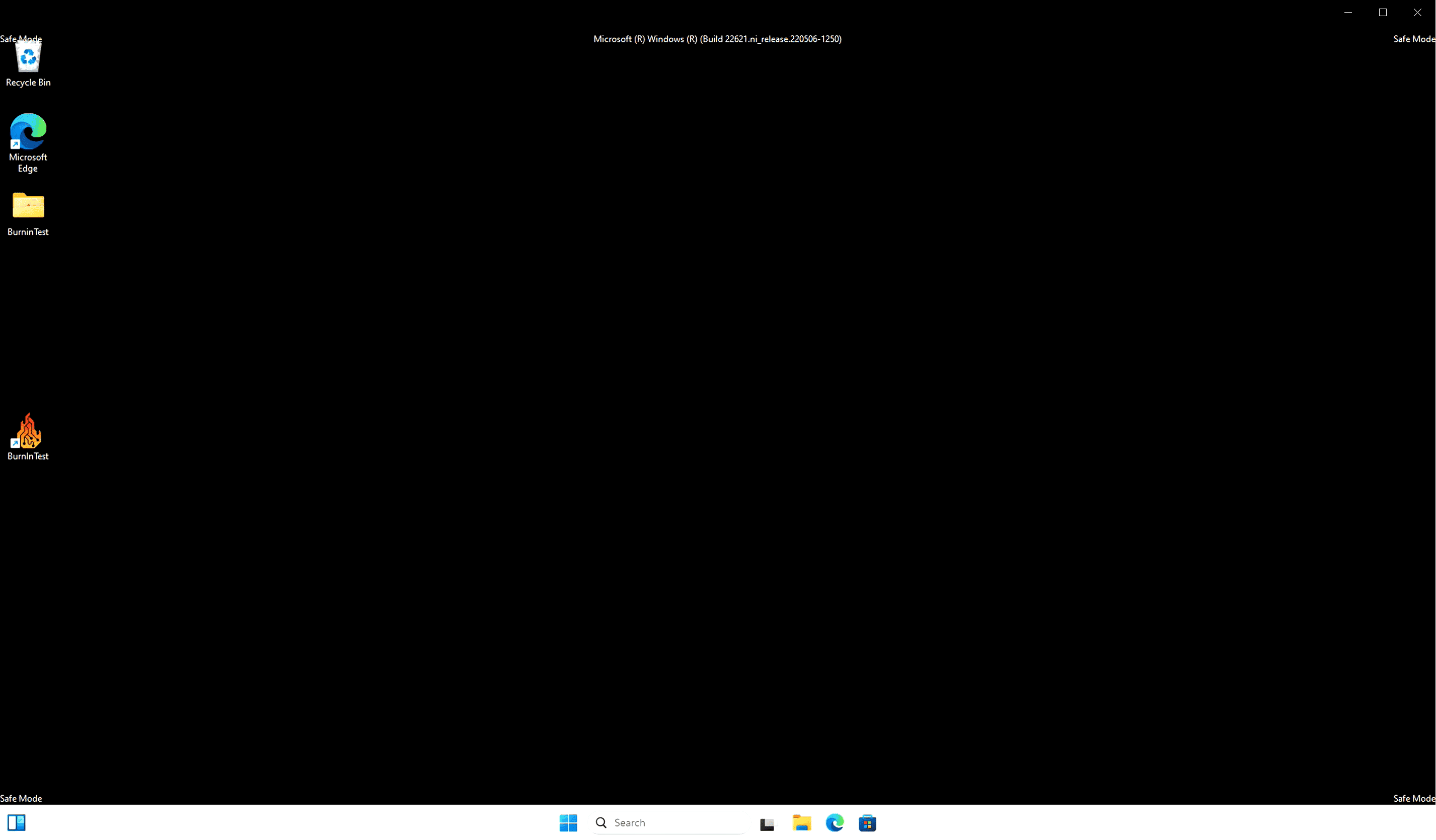
Step1: Press the power button and continuousl press F9 to enter the Choose an Option menu. Step2: Select Troubleshoot → Advanced options → Startup Settings Step3: Select Restart, then after res...
阅读更多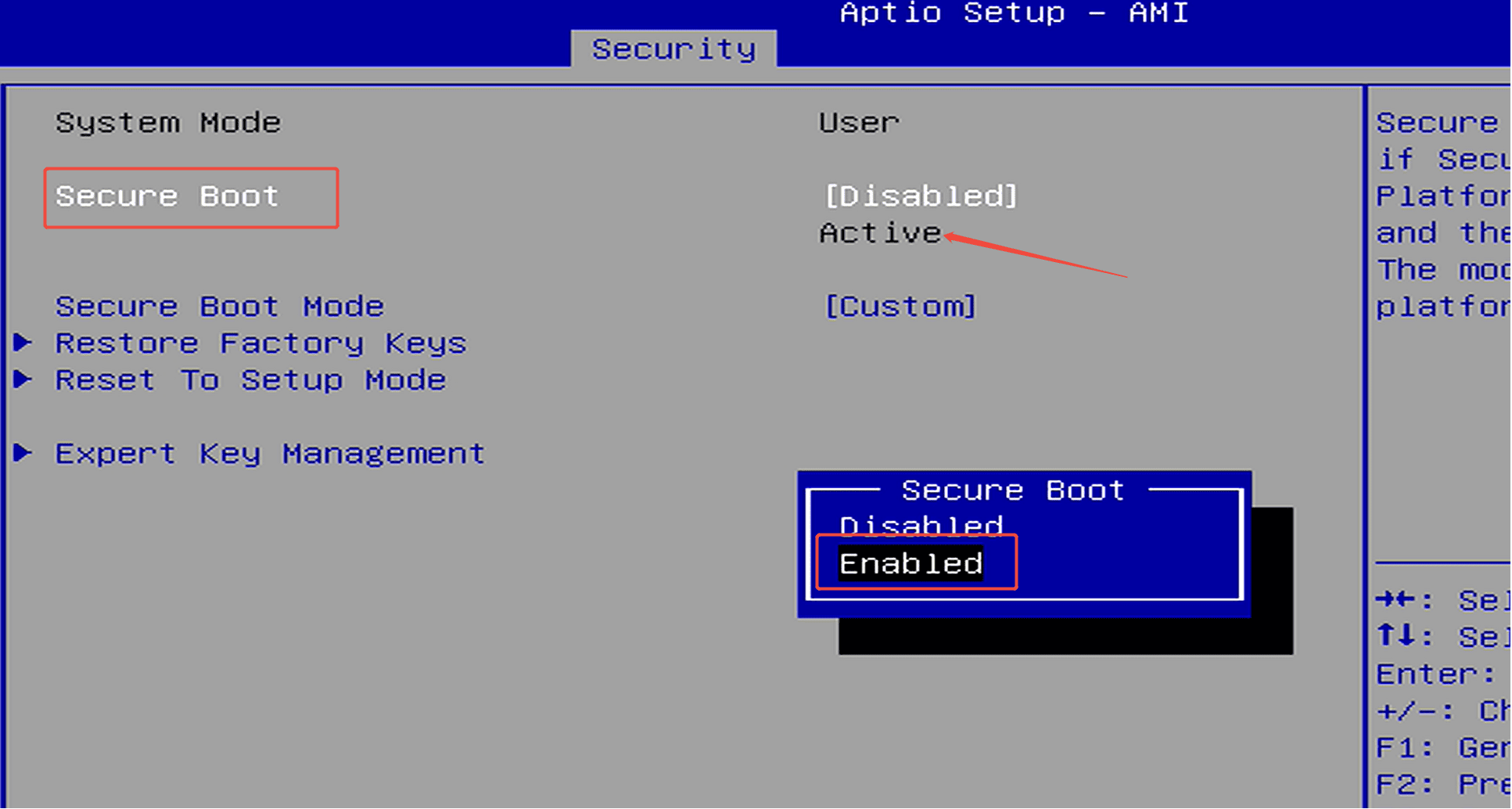
Step 1: Press the power button and continuously press F7 to enter the boot menu, then select “Enter Setup” to access the BIOS.(Or press the Delete key repeatedly immediately after pressing the powe...
阅读更多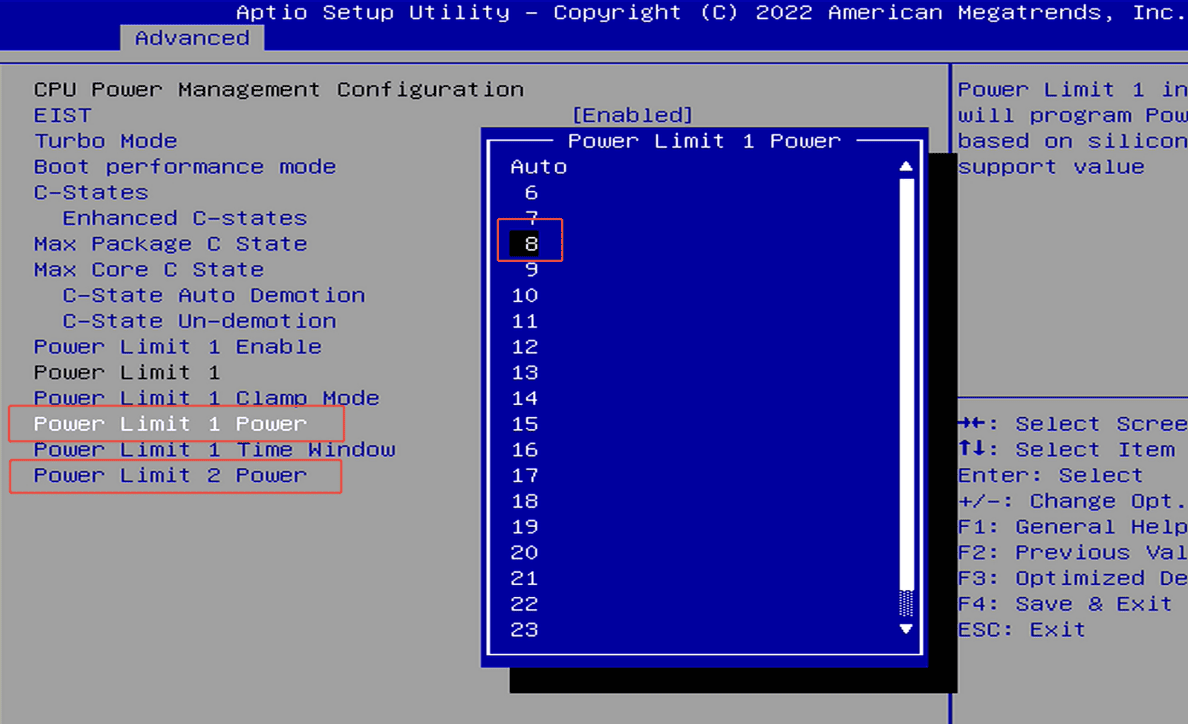
How to change the TDP? (PL1,PL2)
Step 1: Press the power button and continuously press F7 to enter the boot menu, then select “Enter Setup” to access the BIOS.(Or press the Delete key repeatedly immediately after pressing the powe...
阅读更多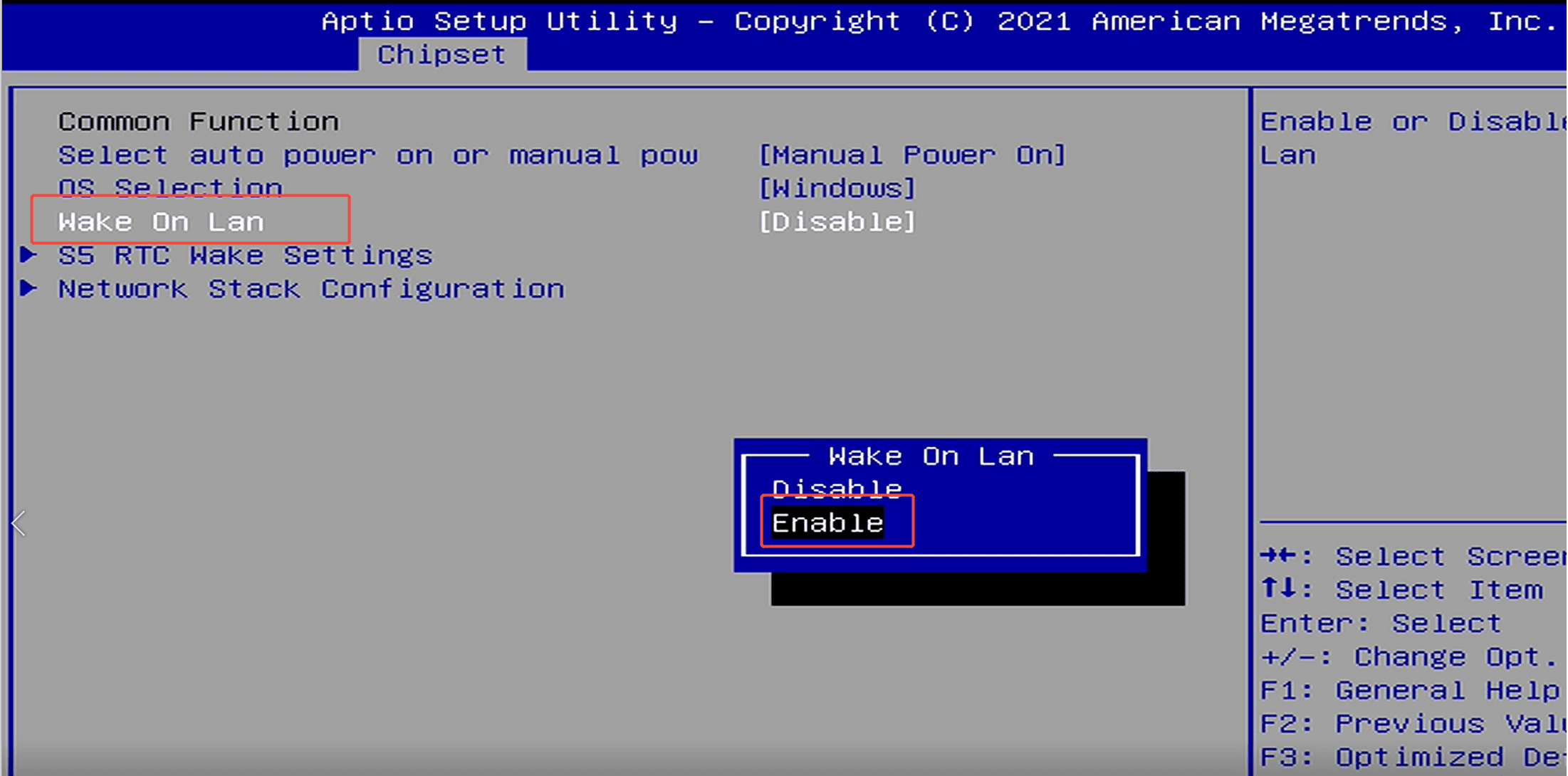
Step 1: Press the power button and continuously press F7 to enter the boot menu, then select “Enter Setup” to access the BIOS.(Or press the Delete key repeatedly immediately after pressing the powe...
阅读更多